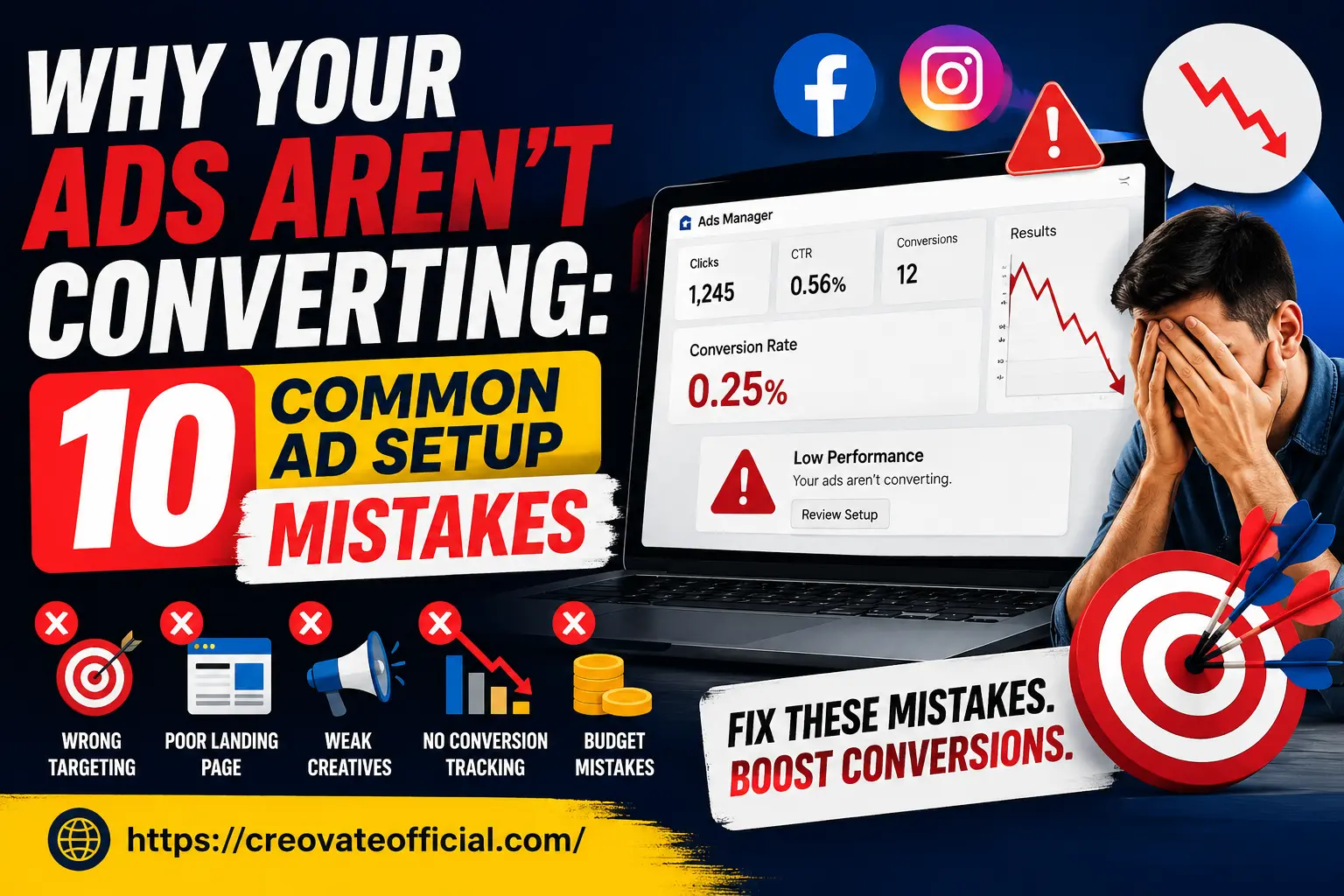
Why aren't your ads converting?
In most cases, it's not your ad copy or your targeting — it's what happens after the click. A mismatch between your ad's promise and your landing page, missing or broken conversion tracking, a slow or confusing checkout, and running ads without enough budget to exit the learning phase are the four mistakes that account for the majority of "ads not converting" cases. Fix the post-click experience first, then optimize targeting and creative.
🎁 Free: 10-Minute Ad Conversion Audit Checklist
Grab the exact checklist we use to diagnose low-converting ad accounts — tracking, message match, page speed, and fatigue, all in one printable page.
No spam. Unsubscribe anytime. By submitting, you agree to receive occasional emails from Creovate Official.
Why Trust This Guide
This guide is based on running and auditing paid campaigns across Meta, Google, and TikTok for small businesses, course creators, and affiliate sites — including our own campaigns at Creovate Official, where we've watched conversion rate swing from 0.2% to over 3% simply by fixing setup mistakes, not by spending more.
We update this article regularly to reflect current Meta Ads Manager and Google Ads interfaces, iOS tracking changes, and 2026 privacy rules. Where we recommend a tool, it's one we've used ourselves or vetted directly — and some of the links below are affiliate links, meaning we may earn a small commission if you purchase through them, at no extra cost to you. This never affects which tools we recommend; see our full affiliate disclosure below.
Get The No-Portfolio Client Playbook and learn how to choose a service, create practice samples, find prospects, write outreach, and take your first steps with confidence.
👉 Get it hereTable of Contents
- Mistake 1: You're targeting the wrong audience
- Mistake 2: Your ad creative doesn't earn the click it gets
- Mistake 3: Your landing page breaks the promise of the ad
- Mistake 4: There's no single, obvious call-to-action
- Mistake 5: Conversion tracking is broken or missing
- Mistake 6: Your landing page is slow or not mobile-optimized
- Mistake 7: Ad fatigue is quietly killing your results
- Mistake 8: There's no follow-up for people who don't convert immediately
- Mistake 9: Budget and bidding mistakes are starving the algorithm
- Mistake 10: You're not testing — you're guessing
- Tools That Fix These Mistakes (Comparison)
- Frequently Asked Questions
- Final Verdict
The Real Reasons Your Ads Aren't Converting
Before we get into the list, here's the mindset shift that matters most: a low conversion rate is a symptom, not the problem. Your ad account is just reporting what's actually happening across your whole funnel — targeting, creative, landing page, tracking, and follow-up. Work through these ten mistakes in order, because fixing #5 (tracking) before #1 (targeting) will save you from "optimizing" toward data that was never accurate in the first place.
You're Targeting the Wrong Audience
This is the classic "ads not converting" trap: you assume the algorithm knows your customer, but Meta and Google only optimize toward whatever signal you give them. If your pixel is feeding it weak or generic events, it will find people who click, not people who buy.
Common ad mistakes here
- Stacking too many interests into one ad set, diluting relevance
- Targeting broad "lookalike" audiences before you have enough seed data
- Ignoring geographic or device-based performance differences
- Reusing the same audience across every campaign regardless of offer
How to fix it
Start narrower than feels comfortable. Build one ad set around your best existing customer profile, let Meta's broad targeting with strong creative do the work instead of manual interest stacking, and, as a practical benchmark, give the algorithm roughly 50 conversion events before judging results. For B2B or high-ticket offers, layer in retargeting audiences from your email list — warm traffic almost always converts at a multiple of cold traffic.
Your Ad Creative Doesn't Earn the Click It Gets
A high CTR with a low conversion rate usually means your creative is attracting curiosity clicks rather than buying intent. Flashy hooks that don't set accurate expectations bring in the wrong visitors — and no landing page can fix that.
Ad setup mistakes to avoid
Clickbait headlines, stock photography that doesn't reflect the real product, and copy that oversells the offer all inflate CTR while tanking conversion rate. If your hook and your landing page tell two different stories, visitors bounce.
If writing scroll-stopping, honest ad copy is your bottleneck, an AI writing assistant like Rytr can generate dozens of on-brand headline and hook variations in minutes, which you can then test against each other instead of guessing. For video-first placements (Reels, TikTok, Stories), tools like CapCut make it fast to cut short, native-feeling ad creative that doesn't look like a "sales pitch."
Your Landing Page Breaks the Promise of the Ad
This is the single most common cause of "ads getting clicks but no sales." Your ad says one thing; the page someone lands on says something else — different headline, different offer, different price, or worse, your homepage with no context at all.
Landing page conversion mistakes
- Sending traffic to a generic homepage instead of a dedicated landing page
- Headline on the page doesn't match the headline in the ad ("message match")
- Too many competing offers or navigation links pulling attention away
- No visible proof (testimonials, reviews, results) near the CTA
How to fix it
Build one landing page per offer, and make the first thing a visitor sees match the ad's exact hook, word for word if possible. A dedicated page builder like Systeme.io lets you spin up message-matched landing pages without touching code, and connects directly to your email list for follow-up. If you're new to the concept, our niche website guide covers page structure basics in more depth.
There's No Single, Obvious Call-to-Action
Every additional choice you give a visitor lowers the odds they take any action at all. If your landing page has a "Buy Now," a "Learn More," a newsletter signup, and three outbound links in the footer, you've split your traffic's attention four ways.
Best practice
One page, one offer, one CTA — repeated 2-3 times as the visitor scrolls. Use action-specific button copy ("Get My Free Kit," not "Submit") and remove your site navigation from standalone landing pages entirely.
Conversion Tracking Is Broken or Missing
This is the mistake that makes every other number in your ads dashboard unreliable. If your Meta Pixel, Conversions API, or Google Ads tag isn't firing correctly, you could be converting perfectly well while your dashboard shows a misleadingly low conversion rate — and "optimizing" based on that broken data only makes things worse.
How to check
- Use Meta's Pixel Helper or Google Tag Assistant to confirm the event fires on your thank-you page
- Verify your Conversions API (server-side tracking) is connected, since iOS privacy changes have made browser-only pixels unreliable
- Test the full purchase or sign-up flow yourself and confirm the event shows up in Events Manager within a few minutes
An all-in-one marketing platform like GetResponse can simplify this by handling your landing pages, email automation, and conversion tracking in one connected system, which cuts down on the "broken handoff" points between tools where tracking usually fails.
Your Landing Page Is Slow or Not Mobile-Optimized
On many accounts, the large majority of Meta ad clicks happen on mobile. If your landing page takes more than 3 seconds to load, or renders awkwardly on a phone screen, a meaningful chunk of your paid traffic never even sees your offer.
What kills page speed
Unoptimized hero images, autoplay videos, bloated page builder scripts, and too many third-party tracking pixels all stack up load time. Google and Meta both factor page experience into your ad's relevance score, so a slow page can raise your cost per click too.
A dedicated speed tool like FastPixel can compress images and optimize your site's load time automatically — often the fastest, lowest-effort fix on this entire list, since it doesn't require rebuilding your page at all.
Ad Fatigue Is Quietly Killing Your Results
Campaigns that convert well for the first two weeks and then quietly decline are usually suffering from creative fatigue: the same audience has seen the same ad too many times, frequency climbs past 3-4, and cost per result rises even though nothing about your offer changed.
How to fix it
Check your frequency metric weekly. As a practical benchmark, a frequency above 3-4 for cold audiences is often a signal to refresh creative, though the right threshold varies by industry and audience size. Build a rotating library of 3-5 ad variations (different hooks, formats, and angles) so you can swap in fresh creative before fatigue sets in. AI video tools like Synthesia make it realistic to produce new UGC-style or presenter-led ad variations without a full reshoot every time.
There's No Follow-Up for People Who Don't Convert Immediately
Most visitors won't buy on the first visit — that's normal, not a failure of your ad. The mistake is having no system to bring them back. Without retargeting or an email capture, every non-converting click is a click you paid for and then lost forever.
What to build instead
- A retargeting campaign for anyone who visited the landing page but didn't convert
- A low-friction email capture (like the free kit above) to keep the conversation going
- An automated welcome sequence that re-presents the offer over several days
Our email marketing for beginners guide walks through setting this up from scratch, and a chat-based assistant like CustomGPT can answer visitor questions in real time on your landing page, capturing intent you'd otherwise lose.
Budget and Bidding Mistakes Are Starving the Algorithm
Ad platforms need enough data to find your best-converting audience. Spreading a small daily budget across five ad sets, or switching budgets and bids constantly, resets the learning phase and keeps your account permanently "cold."
Rule of thumb
As a general starting point, many advertisers budget for around 3-5x their target cost per acquisition, per ad set, during the testing phase, and let a campaign run for roughly 3-4 days minimum before making changes — though exact numbers depend on your platform, industry, and offer price. Consolidating spend into fewer, better-funded ad sets rather than splitting it thin also helps.
You're Not Testing — You're Guessing
The accounts that consistently improve conversion rate over time are the ones running structured A/B tests: one variable changed at a time (headline, image, CTA, or audience), measured against a control, with enough volume to reach significance.
If you don't have the in-house time to build and test creative variations continuously, outsourcing this to a freelancer via Fiverr is often more cost-effective than an in-house hire, especially for landing page design, ad copy, or video editing sprints. Our Fiverr guide covers how to brief freelancers effectively so you get usable creative back the first time.
Tools That Fix These Mistakes (Comparison)
None of these tools will "fix your ads" on their own — but each one directly targets one of the mistakes above. Here's how they compare:
| Tool | Fixes | Pricing Model | Best For | Recommendation |
|---|---|---|---|---|
| GetResponse | Tracking, landing pages, follow-up | Free trial, tiered monthly plans | All-in-one funnels + email | Great starting point for beginners |
| Systeme.io | Message-match landing pages | Free plan available, paid tiers | Fast landing page builds | Best budget option |
| FastPixel | Page speed / mobile experience | Usage-based plans | Slow WordPress or page-builder sites | Best quick win |
| Rytr | Weak ad creative / copy | Free tier, paid word plans | Ad hooks & headline testing | Best for solo marketers |
| Synthesia | Creative fatigue / video ads | Monthly credit-based plans | Refreshing video creative fast | Best for scaling video |
| CapCut | Native-feeling short-form ads | Free, with paid Pro features | Reels / TikTok-style ad cuts | Best free option |
| CustomGPT | Lost visitor intent / no follow-up | Monthly plans | On-page visitor Q&A | Best for high-consideration offers |
| Fiverr | No time to test/execute | Pay-per-project | Outsourcing creative & landing pages | Best for hands-off execution |
Individual Tool Reviews
GetResponse All-in-One Marketing
Overview: GetResponse bundles email marketing, landing pages, automation, and basic conversion tracking into a single dashboard, which is useful when your "ads not converting" problem is really a disconnected-tools problem.
Features: Drag-and-drop landing page builder, automated email sequences, webinar hosting, and audience segmentation.
Advantages
- One login for page + email + tracking
- Beginner-friendly automation builder
- Solid deliverability for follow-up emails
Drawbacks
- Can feel like more than you need if you only want landing pages
- Pricing scales with list size
Best for: Businesses that want to fix tracking, landing pages, and follow-up in one place. Pricing: Free trial available; check current plans on their site, as pricing changes periodically.
Trust note: We use GetResponse-style automation ourselves for lead nurture sequences — it's a solid, low-risk starting point rather than the "best of the best" for every use case.
Check GetResponse Plans →Systeme.io Funnel Builder
Overview: A no-code funnel and landing page builder built specifically for message-match pages, which directly addresses landing page conversion mistakes.
Features: Funnel templates, order bumps, affiliate management, and email automation on a free tier.
Advantages
- Genuinely usable free plan
- Fast to launch a matched landing page
- Built-in affiliate tracking
Drawbacks
- Design flexibility is more limited than dedicated builders
- Fewer advanced integrations than larger platforms
Best for: Solo marketers or small businesses on a tight budget. Pricing: Free tier available; paid tiers unlock more funnels — confirm current pricing on-site.
Try Systeme.io Free →FastPixel Speed Optimization
Overview: A dedicated page-speed tool that automatically compresses and optimizes your landing pages — the fastest fix for Mistake #6 on this list.
Advantages: Minimal setup, works alongside most page builders, measurable Core Web Vitals improvement.
Drawbacks: Won't fix structural or design issues — it only addresses load speed.
Best for: Anyone whose landing page takes more than 3 seconds to load on mobile. Pricing: Usage-based; check current tiers on their site.
Test Your Page Speed →Pros & Cons Summary
✅ What actually moves conversion rate
- Fixing tracking before optimizing anything else
- Matching landing page copy to ad copy exactly
- Refreshing creative before frequency climbs too high
- Giving campaigns a full learning phase before judging them
⚠️ What usually wastes time and budget
- Changing multiple variables at once
- Judging results after only a day or two
- Sending paid traffic to a homepage
- Spreading a small budget across too many ad sets
Buying Guide: Choosing the Right Fix for Your Situation
What to look for: Match the tool to the specific mistake you've diagnosed, not the one with the flashiest marketing. If your dashboard shows good CTR but no sales, start with tracking and landing page tools before touching your ad creative.
Common mistakes when choosing tools: Buying an all-in-one platform before you've confirmed your basic tracking works, or adding new ad spend before fixing your landing page — both waste money on the same broken foundation.
Budget considerations: Start with free tiers (Systeme.io, CapCut, Rytr) to validate your fix before upgrading to paid plans. Reserve paid ad spend increases for after your conversion rate has already improved on a smaller budget.
Who should buy in: Anyone running consistent paid traffic (even $10-20/day) benefits from at least one tracking and one landing page tool. Who should avoid: If you're not yet running ads, focus first on organic traffic and offer validation — see our beginner's guide to affiliate marketing.
Expert tip: Diagnose before you spend. Pull your last 14 days of ad data and identify exactly where the drop-off happens (impression → click → landing page view → conversion) before buying any tool on this list.
Frequently Asked Questions
Why is my ad getting clicks but no sales?
Clicks without sales almost always point to a mismatch between what your ad promises and what your landing page delivers, a broken or slow-loading page, or a conversion tracking setup that's misreporting results. Start by checking message match and page speed before you touch your targeting.
What is a good conversion rate for Facebook or Meta ads?
As a general benchmark, many ecommerce and lead-gen campaigns land between roughly 2% and 5% on Meta, though this varies heavily by industry, offer price, and traffic quality. If you're consistently well under 1%, treat that as a signal to audit your landing page and offer, not just your ad copy.
How long should I wait before judging if an ad is working?
As a practical starting point, many advertisers wait at least 3-4 days and roughly 50 conversion events (or around 1,000 clicks for smaller offers) before making changes, though this can vary by platform and offer. Meta's algorithm needs a learning phase, and judging results too early is one of the most common ad setup mistakes.
Why are my Meta ads not converting even with a good CTR?
A strong click-through rate only proves your creative is compelling — it says nothing about your landing page, offer clarity, or checkout friction. Ads not converting despite good CTR usually trace back to the post-click experience, not the ad itself.
Do I need a landing page or can I send traffic to my homepage?
A dedicated landing page almost always outperforms a homepage for paid traffic because it removes navigation distractions and matches the ad's exact promise. Homepages are built for many visitor intents; landing pages are built for one.
How much budget do I need before I can trust my ad data?
As a rough starting benchmark, some advertisers budget for around 3-5x their target cost per acquisition per ad set during testing, though the right amount depends on your industry and offer. Spending too little spreads your data too thin to reach statistical significance, which makes low conversion rates look worse than they are.
Can bad tracking make my ads look like they aren't converting?
Yes, and it happens constantly. A missing pixel event, a broken thank-you page redirect, or an unconfigured server-side connection can hide real conversions from your dashboard, making profitable campaigns look like failures.
What's the single biggest reason ads stop converting after they perform well?
Ad fatigue. When the same audience sees the same creative too often, frequency climbs, cost per result rises, and conversion rate drops — even though nothing about your offer changed. Refreshing creative on a schedule prevents this.
Final Verdict
If your ads aren't converting, the fix is rarely "spend more" — it's usually tracking, message match, page speed, or fatigue. Work through the 10 mistakes above in order, fix your foundation first, and let the data guide the next change.
Get the Free Ad Audit ChecklistKey takeaways: audit conversion tracking before anything else, match your landing page to your ad's exact promise, keep one clear CTA per page, and refresh creative before frequency climbs too high. If you'd rather have a simple system to manage your ad spend and revenue in one place, our Monthly Budget Planner can help you track what's actually working.