🎁 Free Online Income Starter Kit (2026)
Grab our free planning kit — the exact checklist we use before publishing any new content piece.
Why Trust This Guide
This list is grounded in hands-on use of these tools inside real publishing workflows — writing drafts, building graphics, cutting video — plus ongoing research into how each tool's free tier actually holds up in practice, not just what's promised on the pricing page.
- Hands-on where it counts: Core picks like ChatGPT, Canva, and CapCut were used directly to produce real content assets, not just researched secondhand.
- Free-tier honesty: We call out word limits, watermark rules, and credit caps instead of hiding them.
- Updated for 2026: Pricing and feature notes are checked periodically since AI tools change fast.
1. AI Writing & Editing Tools
Writing is still the foundation of most content businesses — blog posts, captions, email sequences, product descriptions. These four tools cover ideation, drafting, and cleanup without costing a rupee or a dollar to get started.
1ChatGPT
ChatGPT remains the most versatile free AI tool for content creators in 2026. It's just as useful for outlining a blog post as it is for rewriting a stiff paragraph, brainstorming video hooks, or drafting an email sequence. The free plan gives you access to a capable model with reasonable daily limits — plenty for most solo creators who aren't running it all day.
Where it shines is flexibility. You're not locked into one content type; the same tool handles long-form outlines, short captions, and even basic data analysis if you paste in a spreadsheet.
Advantages
- Handles nearly every writing task in one place
- Fast at outlines, hooks, and rewrites
- Works well for non-native English speakers polishing tone
Drawbacks
- Free tier has usage limits during peak hours
- Needs fact-checking on anything time-sensitive
- Output can sound generic without a strong prompt
Best for: Bloggers, freelancers, and social media managers who need one reliable writing assistant. Pricing note: Free tier available; paid tier unlocks higher limits and more advanced models — check current pricing on OpenAI's site since it changes often.
2Rytr
Rytr takes a different approach than ChatGPT — instead of an open chat box, it gives you dozens of pre-built templates for specific formats: product descriptions, Instagram captions, YouTube descriptions, cold emails. If you find blank-page syndrome slows you down, templates like this remove that friction.
Advantages
- Fast for repetitive copy formats
- Built-in tone selector
- Simple enough for total beginners
Drawbacks
- Free plan caps monthly character output
- Less flexible for long-form content than ChatGPT
Best for: E-commerce sellers and social media marketers who write a high volume of short-form copy.
Try Rytr's free plan →3Grammarly
Grammarly quietly sits in the background while you write anywhere on the web — Gmail, Google Docs, WordPress, LinkedIn — flagging grammar issues, awkward phrasing, and tone problems as you type. It's less about generating content and more about making sure what you already wrote doesn't undercut you with typos.
Advantages
- Works across nearly every app you write in
- Catches tone issues, not just spelling
- Free tier is genuinely usable long-term
Drawbacks
- Advanced clarity and plagiarism checks are paid
- Can occasionally over-correct a deliberate stylistic choice
Best for: Anyone publishing in English who wants a safety net before hitting publish.
4QuillBot
QuillBot is the tool to reach for when you have the right idea but the wrong sentence. Its paraphraser rewrites clunky drafts in different tones — formal, fluent, creative — and its summarizer condenses long research articles into a few sentences, which is genuinely handy when you're skimming sources for a piece.
Advantages
- Multiple paraphrasing modes
- Useful summarizer for research
- Built-in grammar checker
Drawbacks
- Free plan limits words per rewrite
- Heavy paraphrasing can still need a human pass for voice
Best for: Students, researchers, and creators who repurpose long-form content into shorter formats.
2. AI Design & Graphics Tools
You don't need a design degree to make a thumbnail, carousel, or blog header that looks intentional. These tools use AI to shortcut layout, color, and background decisions for you.
5Canva
Canva is the default design tool for most non-designers, and its free plan is generous enough that many creators never upgrade. The Magic Studio suite adds AI background removal, text-to-image generation, and a "Magic Write" copy assistant directly inside the design canvas, so you rarely have to leave the app.
Advantages
- Huge free template and stock photo library
- AI features built directly into the design flow
- Easy team collaboration even on the free tier
Drawbacks
- Best AI features (background remover, some fonts) are Pro-only
- Can feel template-heavy if you want a fully custom look
Best for: Bloggers, YouTubers, and small business owners who need thumbnails, social posts, and presentations without hiring a designer.
6Microsoft Designer
Microsoft Designer takes a text prompt or a rough idea and generates full layout options in seconds — closer to how an image generator works than a traditional drag-and-drop editor. It's particularly good for social posts and simple posters where you want several starting concepts fast.
Advantages
- Generates multiple design directions instantly
- Free image generation credits included
- Clean, distraction-free interface
Drawbacks
- Smaller template library than Canva
- Less control over fine layout details
Best for: Creators who want quick visual concepts before refining them elsewhere.
7Remove.bg
Remove.bg does one job and does it fast: upload a photo, and it isolates the subject from the background in a few seconds. It's a small utility, but it saves real time when you're building product photos, headshots, or transparent PNGs for thumbnails.
Advantages
- Genuinely fast, accurate cutouts
- No account needed for quick one-off edits
- Works well on hair and fine edges
Drawbacks
- Free downloads are lower resolution
- High-volume use requires a paid plan or credits
Best for: Product sellers and thumbnail creators who need clean cutouts on a deadline.
3. AI Video & Voice Tools
Video and audio content took over social feeds years ago, and AI has made editing dramatically less technical. These tools handle recording, editing, and even voice generation without a traditional editing timeline learning curve.
8CapCut
CapCut is the closest thing to an industry standard for Reels, TikToks, and Shorts. Its AI features — auto-captions, background noise removal, auto-reframe for different aspect ratios, and text-to-speech — cut editing time down significantly compared to a traditional timeline editor.
Advantages
- Auto-captions are fast and reasonably accurate
- Huge trending template library
- No watermark on free exports
Drawbacks
- Some premium effects and fonts are locked
- Mobile app can feel cluttered with promotional prompts
Best for: Creators focused on Reels, TikTok, and YouTube Shorts.
Try CapCut free (US offer) →9Loom
Loom is built for quick, talking-head screen recordings — tutorials, feedback loops, course lessons. AI features auto-generate titles, summaries, and chapter markers so viewers can skim a recording instead of watching the whole thing.
Advantages
- One-click recording, instant shareable link
- AI summaries save reviewer time
- Great for course creators and coaches
Drawbacks
- Free plan limits total videos, not just length
- Editing tools are basic compared to CapCut
Best for: Coaches, consultants, and course creators recording explainer or feedback videos.
10ElevenLabs
ElevenLabs generates natural-sounding voiceovers from text, which is useful for creators who don't want to (or can't) record narration themselves. The free tier includes a limited monthly character allowance — enough for short videos or a handful of audio clips, not a full podcast.
Advantages
- Noticeably more natural than older text-to-speech tools
- Multiple voice styles and languages
- Fast turnaround for short clips
Drawbacks
- Free character limit runs out quickly for long content
- Best voices are reserved for paid tiers
Best for: Creators making explainer videos or shorts without recording their own voice.
4. AI Productivity & Marketing Tools
Great content still needs a system behind it — organizing ideas, publishing on schedule, and getting it in front of people. These round out the list.
11Notion AI
Notion is where a lot of creators already plan their content calendar, and its built-in AI adds drafting, summarizing, and action-item extraction directly inside your notes and databases — useful for turning a messy brainstorm into a structured outline without switching apps.
Advantages
- Keeps planning and drafting in one workspace
- Flexible databases for content calendars
- Good for team collaboration on editorial workflows
Drawbacks
- Free AI credits are limited compared to dedicated writing tools
- Has a learning curve for new users
Best for: Creators and small teams managing an editorial calendar in one place.
12Google Docs (with Gemini)
Google Docs isn't new, but Gemini's integration turns it into a genuinely useful AI drafting tool — summarizing long documents, suggesting rewrites, and helping brainstorm directly in the margin. For creators who already collaborate with editors or clients in Docs, this removes a step of copy-pasting from a separate AI chat window.
Advantages
- Real-time collaboration is best-in-class
- AI suggestions appear where you're already writing
- Free for personal Google accounts
Drawbacks
- Full Gemini features may require a Google One AI plan
- Less flexible than a dedicated chat-based AI for brainstorming
Best for: Writers collaborating with editors, clients, or co-authors in real time.
13GetResponse
Once you're producing content consistently, an email list turns readers into a real audience you don't rely on an algorithm to reach. GetResponse's free plan includes AI-assisted email drafting, basic automation, and landing page tools — enough to launch a simple newsletter or lead magnet funnel like the one earlier in this post.
Advantages
- AI email generator speeds up newsletter writing
- Built-in landing pages and forms
- Free plan works for small lists
Drawbacks
- Advanced automation requires a paid tier
- Interface has more of a learning curve than simpler tools
Best for: Creators ready to build an email list around their content.
Explore GetResponse's free plan →14FastPixel
Content only converts if the page actually loads. FastPixel uses AI-driven image compression and optimization to shrink file sizes without a visible quality drop, plus automated page-speed tuning — so your carefully designed graphics don't tank your load times or your SEO rankings.
Advantages
- Meaningfully improves page load speed
- Simple setup for non-technical creators
- Directly supports Core Web Vitals, which affects SEO
Drawbacks
- Best suited to store or CMS-integrated sites
- Free tier is limited; full benefit needs a paid plan
Best for: Creators and small business owners whose blog or store feels slow to load.
Check FastPixel's free trial →15Descript
Descript edits video and audio the way you'd edit a document: it transcribes your recording, and you cut, reorder, or remove sections by deleting the corresponding text. That's a fundamentally different workflow from a timeline editor like CapCut, and it's a genuine time-saver for talking-head videos, interviews, and podcasts where most of the editing is really about trimming what was said.
Advantages
- Editing by text is faster than scrubbing a timeline for spoken-word content
- Built-in filler-word removal and studio sound cleanup
- AI voice cloning for fixing small flubs without a re-record
Drawbacks
- Free plan caps monthly transcription minutes
- Less suited to heavily visual, trend-driven short-form edits than CapCut
Best for: Podcasters, course creators, and interview-format YouTubers who edit primarily by cutting spoken content.
Comparison Table: 15 Best Free AI Tools for Content Creators
| Tool | Category | Free Plan Limit | Best For |
|---|---|---|---|
| ChatGPT | Writing | Usage-based limits | All-purpose writing & ideation |
| Rytr | Writing | Character cap/month | Templated copywriting |
| Grammarly | Editing | Core checks unlimited | Proofreading everywhere |
| QuillBot | Writing | Word cap per rewrite | Paraphrasing & summaries |
| Canva | Design | Core features unlimited | All-purpose graphics |
| Microsoft Designer | Design | Monthly image credits | Fast AI layouts |
| Remove.bg | Design | Low-res free downloads | Background removal |
| CapCut | Video | Core editing unlimited | Short-form video editing |
| Loom | Video | Capped video count | Screen recordings |
| ElevenLabs | Voice | Character cap/month | AI voiceovers |
| Notion AI | Productivity | Limited AI credits | Content planning |
| Google Docs + Gemini | Writing | Free access with limited AI features | Collaborative drafting |
| GetResponse | Marketing | Contact cap | Email list building |
| FastPixel | AI Image/Speed Optimization | Trial-based | Page & image speed |
| Descript | Video | Transcription minutes/month | Text-based editing |
Pros & Cons Summary
Where free AI tools win
- Zero cost to start testing what actually fits your workflow
- Dramatically faster first drafts and rough cuts
- Lower the skill barrier for design and video editing
- Easy to combine tools instead of committing to one platform
Where free plans fall short
- Usage caps (words, credits, exports) show up once you scale
- AI output still needs human editing for accuracy and voice
- Some best features are reserved for paid tiers
- Juggling multiple free tools can fragment your workflow
How to Choose the Right AI Tool for Your Content
What to look for
Start with the bottleneck in your current workflow, not the flashiest tool on a list. If writing takes you the longest, prioritize ChatGPT or Rytr. If you're stuck on visuals, Canva or Microsoft Designer will save more time than another writing tool ever would.
Common mistakes
The biggest mistake creators make is installing five tools and mastering none of them. Pick one tool per bottleneck, use it consistently for a few weeks, and only add a new tool when you hit a real limitation — not because it trended on social media.
Budget considerations
Free plans are enough for most creators in their first six to twelve months. Upgrade only when a specific free-tier limit — word count, export resolution, monthly credits — is actively slowing you down, not preemptively.
Who should upgrade to paid plans
Creators publishing daily, running client work, or generating revenue from their content usually hit free-tier limits fast enough that a paid plan pays for itself in saved time.
Who should stay free
If you're publishing a few times a week and still finding your niche, free tiers across two or three tools will comfortably cover your workflow.
Frequently Asked Questions
What is the best free AI tool for content creators in 2026?
There isn't one single best tool because creators need different things. ChatGPT is the strongest all-around free tool for writing and ideation, Canva leads for design, and CapCut leads for short-form video editing.
Are free AI tools good enough for professional content creation?
Free plans are genuinely usable for most creators starting out, though they usually cap word counts, export quality, or monthly credits. Many creators mix two or three free tools instead of paying for one all-in-one platform.
Do free AI tools own the content I create with them?
Most mainstream tools grant you ownership of the output under their terms of service, but always check the specific tool's current terms before using AI-generated content commercially, since policies vary and change.
Can I use free AI tools to make money online?
Yes. Many creators use free-tier AI writing, design, and video tools to produce blog posts, social content, and lead magnets that support affiliate marketing, freelancing, and digital product sales.
Will AI-assisted content still rank on Google in 2026?
Google doesn't penalize content simply for being AI-assisted. It penalizes low-quality, unhelpful content regardless of how it was produced. AI-assisted content that's edited, fact-checked, and genuinely useful can rank.
Which free AI tool is best for beginners with no design or writing experience?
Canva and ChatGPT are the easiest starting points because both use plain-language prompts and templates instead of technical settings.
How many AI tools should a solo creator actually use?
Most solo creators do best with three to five tools total, one per major bottleneck (writing, design, video, editing, distribution). More than that tends to fragment the workflow rather than speed it up.
Final Verdict
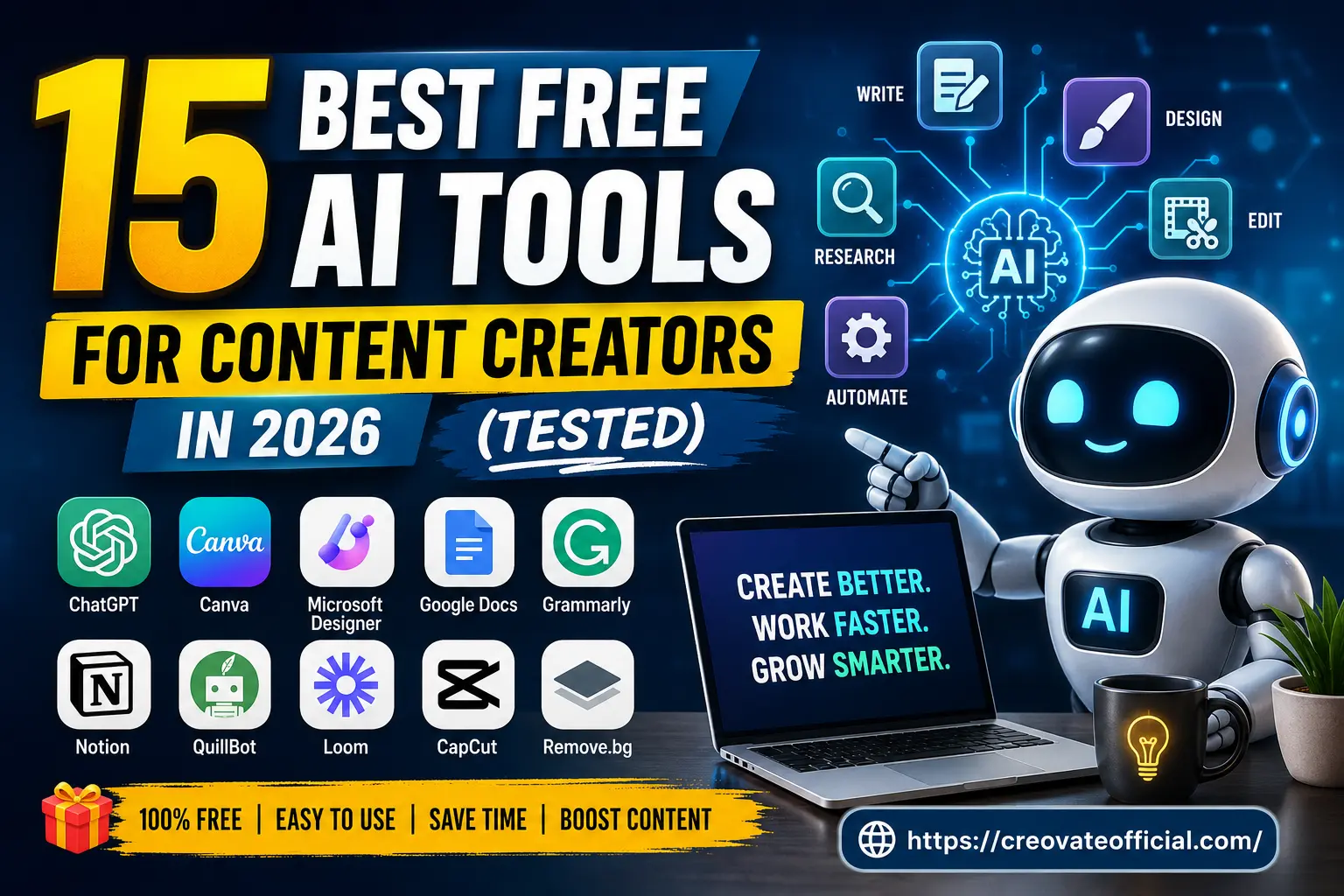
The best free AI stack for most content creators in 2026 is ChatGPT for writing, Canva for design, and CapCut for video — with Grammarly running quietly in the background as a safety net. Add Notion AI once you're publishing consistently enough to need a real editorial calendar, and GetResponse once you're ready to turn readers into a list you own.
Revisit the Top PicksStart with one tool per bottleneck, use it for a few weeks, and only add another once you've genuinely outgrown what you have. That's a far more sustainable way to build a content workflow than chasing every new AI launch.