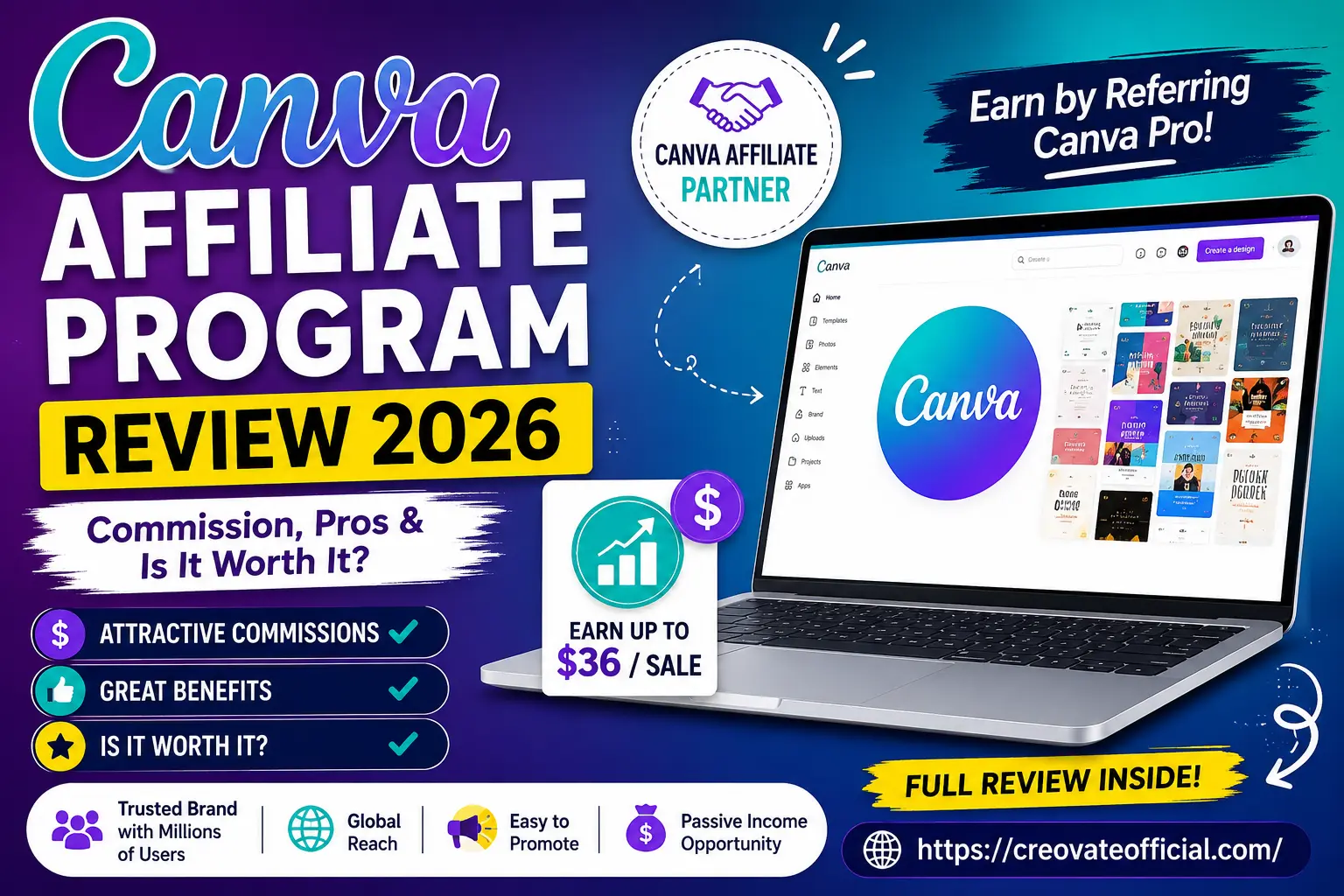
Quick Answer
Yes, the Canva affiliate program is worth joining if you already write about design, productivity, or small-business tools. It pays a one-time bounty of roughly $29.85–$36 for qualifying annual Canva Pro subscriptions, while monthly plans may pay roughly $10 per payment for the first two billing cycles. It runs on a 30-day cookie and is now managed through the Empower Canvassador Program via Impact.com. Approval is selective, so a live site with relevant content matters more than raw traffic.
🎁 Free Online Income Starter Kit 2026
Grab our free starter kit with affiliate program shortlists, a niche-site checklist, and outreach templates.
No spam. One email with your download link. Unsubscribe anytime.
Why Trust This Guide
We update this review whenever Canva changes its commission structure or moves its program between networks — most recently reflecting the shift from the legacy Impact affiliate listing to the Empower Canvassador Program.
- Direct research: commission figures below are cross-checked against Canva's own Pro pricing and multiple independent affiliate trackers.
- No inflated numbers: we report the realistic $29.85–$36 range rather than rounding everything up to the maximum.
- Transparency: this page contains affiliate links. If you sign up through them, we may earn a commission at no extra cost to you. It doesn't change our opinions.
- Ongoing use: our team actively uses Canva for client and content work, so the pros and cons here come from real workflows, not a press release.
Table of Contents
- What Is the Canva Affiliate Program?
- How Much Does It Actually Pay?
- Requirements to Get Approved
- How to Become a Canva Affiliate (Step by Step)
- Canva vs. Other Programs You Could Promote Instead
- Pros & Cons Summary
- Should You Promote Canva? A Decision Guide
- Frequently Asked Questions
- Final Verdict
- Related Resources
1. What Is the Canva Affiliate Program?
Canva is a browser-based design tool used by hundreds of millions of people to build social posts, presentations, resumes, and marketing graphics without a design background. Its affiliate program lets creators, bloggers, and educators earn a bounty every time someone they refer upgrades to a paid Canva plan.
In 2026, the program is officially branded the Empower Canvassador Program. It replaced the older, simpler "Canva affiliate" listing that many bloggers still reference — so if you've seen conflicting commission numbers elsewhere, this rebrand is usually why.
Where the Program Lives Now
Applications route through Canva's own affiliates page, which connects to Impact.com for tracking, payouts, and reporting. You'll manage your links, see click and conversion data, and request payouts from the Impact dashboard once approved.
2. How Much Does the Canva Affiliate Program Actually Pay?
This is the number everyone searches for, and it's more specific than most reviews let on. Canva pays a flat, one-time bounty rather than a recurring percentage — meaning you get paid once per new paying customer, not every month they stay subscribed.
Annual Canva Pro Plan
Affiliates earn roughly 15% of a $119 annual Canva Pro plan, which works out to about $29.85, with several trackers reporting a maximum bounty of up to $36 depending on region and promotion.
Monthly Canva Pro Plan
On the monthly plan (around $12.95–$12.99/month), Canva pays roughly 80% commission on the first two billing cycles only — approximately $10 per payment, paid twice, then nothing further as the subscriber continues.
Cookie Duration
Canva uses a 30-day, last-click cookie. If someone clicks your link but doesn't upgrade for three weeks, you can still get credit — but if they click a competing affiliate's link afterward, that link usually wins the attribution.
3. Requirements to Get Approved
Canva's approval process has a reputation for being stricter than many SaaS affiliate programs. That's a feature, not a bug — it keeps the program's average conversion rate higher for everyone who does get in.
- An active website, blog, YouTube channel, or social profile with real content (not a placeholder or coming-soon page)
- Content relevant to design, productivity, marketing, education, or small business — off-topic sites are commonly rejected
- A clear plan for how you intend to promote Canva (tutorials, comparisons, templates, or reviews tend to perform best)
- Compliance with Canva's brand and trademark guidelines — no bidding on "Canva" branded search terms in paid ads
- No incentivized clicks, cashback schemes, or coupon-site stacking unless explicitly permitted
4. How to Become a Canva Affiliate (Step by Step)
- Prepare your platform. Publish a handful of relevant posts before applying — reviewers check for real content, not just a domain.
- Apply through Canva's official affiliates page. Avoid third-party "quick approval" listings that aren't Canva's own application.
- Get verified through Impact.com. You'll create or link an Impact account where your tracking links and reporting will live.
- Wait for review. Approval may take several business days depending on volume; incomplete applications or thin sites often take longer or get rejected.
- Grab your links and creative assets. Once approved, pull your unique tracking links, banners, and any available deep links to specific Canva features.
- Publish content that leads with value. Tutorials, template round-ups, and "Canva vs. [competitor]" comparisons often perform better than generic banner placements.
- Monitor and optimize. Use the Impact dashboard to see which pages and links convert, then double down on what's working.
5. Canva vs. Other Programs You Could Promote Instead
Canva isn't the only tool worth a spot in your content stack. If your audience overlaps with content creation, marketing, or productivity, these programs are worth comparing side by side.
| Program | Commission Style | Best For | Our Take |
|---|---|---|---|
| Canva | One-time, up to ~$36 | Design, template, and productivity content | High brand recognition, selective approval |
| Rytr | Recurring % | AI writing and copy niches | Good pairing with design/content posts |
| GetResponse | Recurring %, high payouts | Email marketing and newsletter niches | Strong recurring revenue potential |
| Systeme.io | Recurring %, lifetime | Course creators, funnel builders | Solid fit for "start an online business" content |
| Synthesia | Recurring % | AI video and training content | Premium price point, higher payouts per sale |
None of these compete directly with Canva — they complement it. A post about building a content business can reasonably link to Canva for design, GetResponse for email, and Systeme.io for the funnel, without feeling forced.
6. Pros & Cons Summary
✅ Pros
- Extremely high brand recognition — low friction to promote
- Decent one-time bounty relative to Canva's low price point
- Reliable tracking and reporting through Impact.com
- Huge range of content angles: tutorials, templates, comparisons
- Free plan gives readers a no-risk way to try before upgrading
❌ Cons
- No recurring commission after the first two months / first year
- Approval bar is higher than many beginner-friendly programs
- Highly competitive niche — lots of sites already rank for "Canva"
- Free-plan traffic often doesn't convert to paid, so volume needed
- 30-day cookie is shorter than some competing design-tool programs
7. Should You Promote Canva? A Decision Guide
What to Look For Before You Commit
Don't judge an affiliate program purely on commission size. Look at how naturally the product fits your existing content, how much organic search demand already exists, and how much competition you're up against for that demand.
Common Mistakes
- Stuffing a Canva link into unrelated content just because the commission looks appealing
- Only building "Canva review" pages instead of genuinely useful tutorials that also convert
- Ignoring the 30-day cookie window when planning follow-up content or email sequences
Who Should Promote Canva
Bloggers and creators already covering design, marketing, social media management, freelancing, or small business tools. If your audience is actively looking to create graphics, Canva is a near-frictionless recommendation.
Who Should Probably Skip It
Sites in unrelated niches chasing the commission alone, or new affiliates without any published content — approval will likely be difficult, and the traffic-to-conversion math won't work without topical relevance.
Expert Tip
Pair your Canva content with a complementary tool from a different category (email marketing, video, or copywriting) rather than stacking multiple design-tool competitors on the same page. It keeps recommendations coherent and avoids cannibalizing your own conversions.
8. Frequently Asked Questions
How much does the Canva affiliate program pay per sale?
Roughly $29.85 to $36 for an annual Canva Pro subscription, or about $10 per payment across the first two months of a monthly plan. Canva pays a one-time bounty, not a recurring share of the subscription.
Is the Canva affiliate program worth it in 2026?
For creators already writing about design, marketing, or productivity, yes — the brand recognition alone lifts click-through and conversion rates. For unrelated niches chasing the payout, it's usually not worth the approval effort.
What are the Canva affiliate program requirements?
An active, relevant website or channel with real published content, a clear promotion plan, and compliance with Canva's brand and trademark rules. Thin or off-topic sites are commonly rejected.
How do I sign up for the Canva affiliate program?
Apply through Canva's official affiliates page, which routes approved applicants into an Impact.com account for tracking links and payouts.
Does Canva pay commission on free trial sign-ups?
No. Commission only triggers once a referred user converts to a paid Canva Pro, Teams, or Enterprise subscription.
What is the Canva affiliate cookie duration?
30 days, using last-click attribution — the most recent affiliate link a user clicks before converting typically gets the credit.
What are the best alternatives to the Canva affiliate program?
For adjacent niches, programs like GetResponse, Systeme.io, and Synthesia offer recurring commissions and pair naturally with content that already covers design or content creation.
9. Final Verdict
The Canva affiliate program isn't the highest-paying option on the market, and it won't hand you passive recurring income the way some SaaS programs will. What it does offer is a genuinely well-known, well-liked product that's easy to recommend honestly — and that trust translates into real conversions if your content already sits in the design, marketing, or small-business space.
If that's you, it's a sensible addition to your affiliate stack. If you're starting a site from scratch purely to chase the Canva bounty, expect a harder approval process and more competition than the headline commission number suggests.
Ready to Start Building Your Affiliate Income?
Grab our free budget planner to track your affiliate earnings and expenses as your site grows.
Get the Free Planner