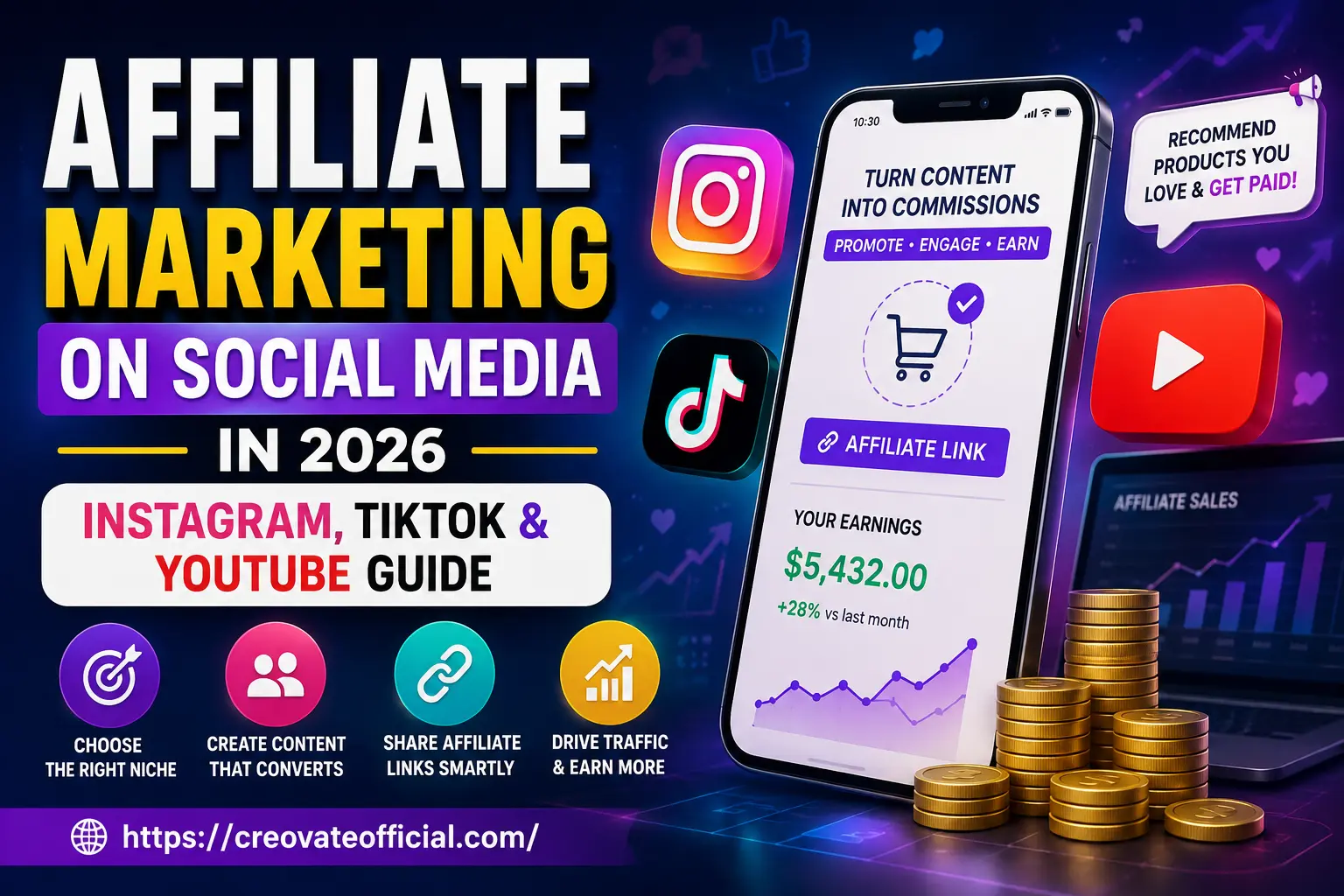
Affiliate marketing on social media means recommending products through Reels, TikToks, or YouTube videos and earning a commission when someone buys through your link. You don't need a website — Instagram's link sticker, TikTok's bio link, and YouTube's description box all work as your storefront. The creators who make real money treat it like a small media business: one platform, one niche, consistent content, and links placed where intent is highest, not just where it's easiest to paste them.
🎁 Free Online Income Starter Kit (2026)
Grab the same niche-picker, content calendar, and link-placement checklist referenced throughout this guide — free, no strings attached.
We'll email your download link. Unsubscribe anytime.
Prefer not to wait? 🎁 Download the FREE Online Income Starter Kit 2026 directly →
Why trust this guide
This isn't a rehash of a Google search. It's built from what's actually working on Instagram, TikTok, and YouTube going into 2026 — where platform policy, link tools, and shopper behavior all shifted meaningfully in the last two years.
The recommendations below are based on hands-on workflow testing, product research, and current platform considerations — not pulled from a spec sheet.
Guidance is checked against publicly available platform documentation and updated as features change.
Some links below are affiliate links. If you buy through them, we may earn a commission at no extra cost to you. See our full disclosure at the bottom.
We call out where a platform or tool falls short instead of only listing upsides.
- What affiliate marketing on social media actually is
- How to do affiliate marketing on Instagram
- How to do affiliate marketing on TikTok
- How to do affiliate marketing on YouTube
- The tool stack: what to use for what
- Pros and cons of social affiliate marketing
- Choosing your platform and niche
- FAQs
- Final verdict
- Related resources
What affiliate marketing on social media actually is
Strip away the jargon and it's simple: you recommend something you genuinely use or believe in, you attach a tracked link, and when someone buys, the brand pays you a cut. Social media just changed where that recommendation happens — instead of a blog post, it's a 30-second Reel, a TikTok "things I actually use" video, or a YouTube tutorial with a link in the description.
What makes 2026 different from five years ago is that platforms stopped treating affiliate links as an afterthought. Instagram's link sticker is available on Stories and Reels for many accounts without a follower minimum, TikTok's bio and pinned-comment links are widely used, and YouTube description links remain a consistently reliable click-through spot. Exact availability can still vary by account, region, and platform updates, so it's worth checking your own account's current options.
Why this matters: the biggest shift isn't the technology — it's trust. Shoppers increasingly buy based on a creator's opinion rather than a brand's ad. That's the entire opportunity social affiliate marketing is built on.
Get The No-Portfolio Client Playbook and learn how to choose a service, create practice samples, find prospects, write outreach, and take your first steps with confidence.
👉 Get it hereHow to do affiliate marketing on Instagram (2026)
Instagram rewards consistency and a recognizable point of view more than raw follower count. A creator with a smaller, tightly-niched following who posts consistently can often outperform a much larger generalist account.
Where to place your links
- Link sticker on Reels and Stories — the highest-intent placement; use it right when you mention the product.
- Bio link — your permanent home base; use a simple link-in-bio page listing your top 3–5 recommendations.
- Pinned comment — a backup for accounts without link-sticker access, or when Instagram is testing link restrictions in a region.
Content formats that convert
- "What's in my bag/kit" carousels — low production, high trust.
- Before/after Reels — show the product doing its job in under 15 seconds.
- Comparison carousels — "I tried 3 tools so you don't have to."
Common mistakes
The biggest one is dropping a link with zero context — "link in bio" and nothing else. The second is promoting a product you've never actually opened; audiences in 2026 are far better at spotting that than they were even two years ago, and it quietly kills your click-through rate on every future post.
2026 update: When you promote products for compensation or through affiliate relationships, use clear, prominent disclosure language and any applicable platform disclosure tools. Requirements can vary by platform, account type, region, and the nature of the promotion, so it's worth checking current guidance for your situation.
How to do affiliate marketing on TikTok (2026)
TikTok is the fastest platform for a first sale because the algorithm doesn't care how many followers you have — it cares whether the video holds attention. That makes it the best starting point for someone who wants proof of concept before investing months into a channel.
Where to place your links
- TikTok Shop product links (where available in your region) — attach directly to the video for in-app checkout.
- Bio link — same role as Instagram; keep it to one clean landing page.
- Pinned comment — can reinforce the call to action, although link functionality varies by account, region, and TikTok's current features.
Content formats that convert
- Hook-in-3-seconds demos — show the result before you explain the product.
- "Stop scrolling if you also struggle with X" problem/solution videos.
- Duets and stitches of trending product videos with your own honest take added.
Common mistakes
Chasing every trending sound instead of staying in one niche confuses the algorithm about who to show your videos to. Posting once and expecting results is another — many creators who see traction post frequently in the early weeks while the algorithm learns their audience, though there's no universal timeline.
How to do affiliate marketing on YouTube (2026)
YouTube is the slowest to build and the longest to pay off — and that's exactly its advantage. A well-made tutorial or review can keep earning commissions two or three years after you publish it, long after an Instagram Reel or TikTok has stopped getting views.
Where to place your links
- First 2–3 lines of the description — this is what shows before "show more," so put your top link there.
- Pinned comment — reinforces the link for viewers who don't expand the description.
- Verbal callout + on-screen card — tell viewers the link is in the description at the exact moment you mention the product.
Content formats that convert
- Tutorials that naturally require a tool — "how I edit videos in 10 minutes" featuring your editing software of choice.
- Long-form honest reviews — 8–12 minutes, including drawbacks, consistently outperform pure hype videos on trust and watch time.
- YouTube Shorts as a discovery funnel into your longer, higher-converting videos.
Common mistakes
Burying the link at the very bottom of a long description is the single most common conversion killer on YouTube. The other is skipping the pinned comment — a large share of viewers never click "show more" at all.
The tool stack: what to use for what
You don't need every tool below on day one. Start with whatever removes your single biggest bottleneck — usually content creation speed or email capture — then add the rest as your channel grows.
| Tool | Best for | Pricing model | Overall take |
|---|---|---|---|
| Rytr | Fast caption & script drafts | Free tier + paid plans | Good starting point for beginners writing hooks and captions at volume. |
| FastPixel | Speeding up your link-in-bio or landing page site | Subscription | Useful once your bio-link page starts getting real traffic and needs to load faster. |
| CapCut | Editing Reels, TikToks & Shorts | Free tier + paid options | The default editor for a reason — templates make short-form editing fast. |
| GetResponse | Building your email list from social traffic | Subscription | Solid all-in-one option for a lead magnet + follow-up sequence. |
| Systeme.io | A simple link-in-bio / funnel page | Free tier + paid plans | Lightweight way to host your affiliate link hub without touching code. |
| Synthesia | AI avatar videos when you don't want to film | Subscription | Handy for faceless YouTube or product-explainer content. |
| CustomGPT | Turning your own content into an on-site chatbot | Subscription | More advanced — best once you have enough content to train it on. |
| Fiverr | Outsourcing thumbnails, editing, or voiceovers | Pay-per-project | Best when your posting volume outpaces what you can produce solo. |
CapCut
Best for: short-form video editing
- Built-in templates matched to trending formats
- Auto-captions save real editing time
- Exports formatted correctly for each platform
- Some premium effects sit behind a paid tier
- Mobile app can feel cramped for longer edits
Trust note: this is the editor used for the majority of the workflow examples in this guide.
Try CapCut free →GetResponse
Best for: converting social followers into an owned email list
- Landing pages, automation, and email in one place
- Beginner-friendly automation builder
- More features than a true beginner may need at first
- Learning curve on advanced automations
Pros and cons of social affiliate marketing
No website required to start; fast feedback on what content resonates; multiple platforms to diversify income; low startup cost.
Income is inconsistent early on; you don't own your audience the way you do an email list; algorithm changes can affect reach overnight; commissions vary a lot by program.
Choosing your platform and niche
Pick one platform to start, not three. Splitting attention across Instagram, TikTok, and YouTube in month one is the most common reason beginners burn out before seeing a single sale.
What to look for in a niche
- Something you'd talk about even without being paid
- Many creators find mid-priced products convert well from social — expensive enough to earn a meaningful commission, cheap enough to still feel like an impulse buy
- An active affiliate program with reliable tracking and a reasonable cookie window
Budget considerations
You can start with a smartphone and free editing apps. The tools listed above are optional accelerants, not requirements — add them once a specific bottleneck (editing speed, email capture, page speed) is actually costing you sales.
Who should avoid this route
If you need predictable monthly income immediately, social affiliate marketing is the wrong first move — results can take weeks or months of consistent posting, and there is no universal timeline for when commissions become meaningful.
Frequently asked questions
Can I do affiliate marketing on social media without a website?
Yes. Instagram, TikTok, and YouTube all let you place affiliate links directly in bios, link stickers, pinned comments, or video descriptions, so a website is optional rather than required — though a simple link-in-bio page helps once you're promoting more than one or two products.
Which platform is best for affiliate marketing in 2026: Instagram, TikTok, or YouTube?
TikTok tends to convert fastest for impulse and lifestyle products, Instagram works well for niches built on trust and repeat visibility, and YouTube produces the longest-lasting income because videos keep ranking and earning for years after publishing.
How much money can you realistically make with affiliate marketing on social media?
Outcomes vary widely and most creators earn little in the first few months. Consistent creators with an engaged audience of a few thousand followers commonly report modest monthly income, while established creators with 50,000+ engaged followers can reach a full-time income — but there's no guaranteed figure.
Do I need a lot of followers before brands will approve me for affiliate programs?
No. Most affiliate networks approve based on your niche fit and content quality, not follower count. Many beginners get approved with under 1,000 followers.
What's the difference between affiliate marketing and being a paid brand ambassador?
Affiliate marketing pays per sale through a tracked link, while brand ambassador deals typically involve a flat fee regardless of sales. Many creators do both simultaneously.
Is affiliate marketing on social media still worth starting in 2026?
Yes, largely because platforms have made link placement easier than ever, and short-form video continues to drive product discovery ahead of traditional search for a growing share of shoppers.
How do I disclose affiliate links properly on social media?
Use the platform's built-in paid partnership or affiliate tag, and add a plain-language note like "contains affiliate links" in your caption or description. This keeps you compliant and keeps your audience's trust.
Final verdict
Affiliate marketing on social media rewards consistency and honesty more than production value or follower count. Start on one platform, recommend only what you'd actually use, place your link where the viewer's intent is highest, and give it a reasonable stretch of weeks or months before judging results. Instagram builds trust, TikTok builds speed, YouTube builds longevity — the strongest creator strategies eventually use all three, but the smartest ones start with just one.
Next step: grab the free starter kit above, pick your platform, and publish your first honest recommendation this week. If you also want a plan for your money once it starts coming in, the Monthly Budget Planner is a simple way to track it from the first commission onward.