How to Sell Templates Online in 2026 and Actually Make Passive Income
If you've ever built a killer spreadsheet, a clean Notion dashboard, or a Canva design that made your friends ask "can you send me that file?" — you're already sitting on a product. This guide shows you exactly how to turn that skill into a real income stream, without needing a design degree or a big audience to start.
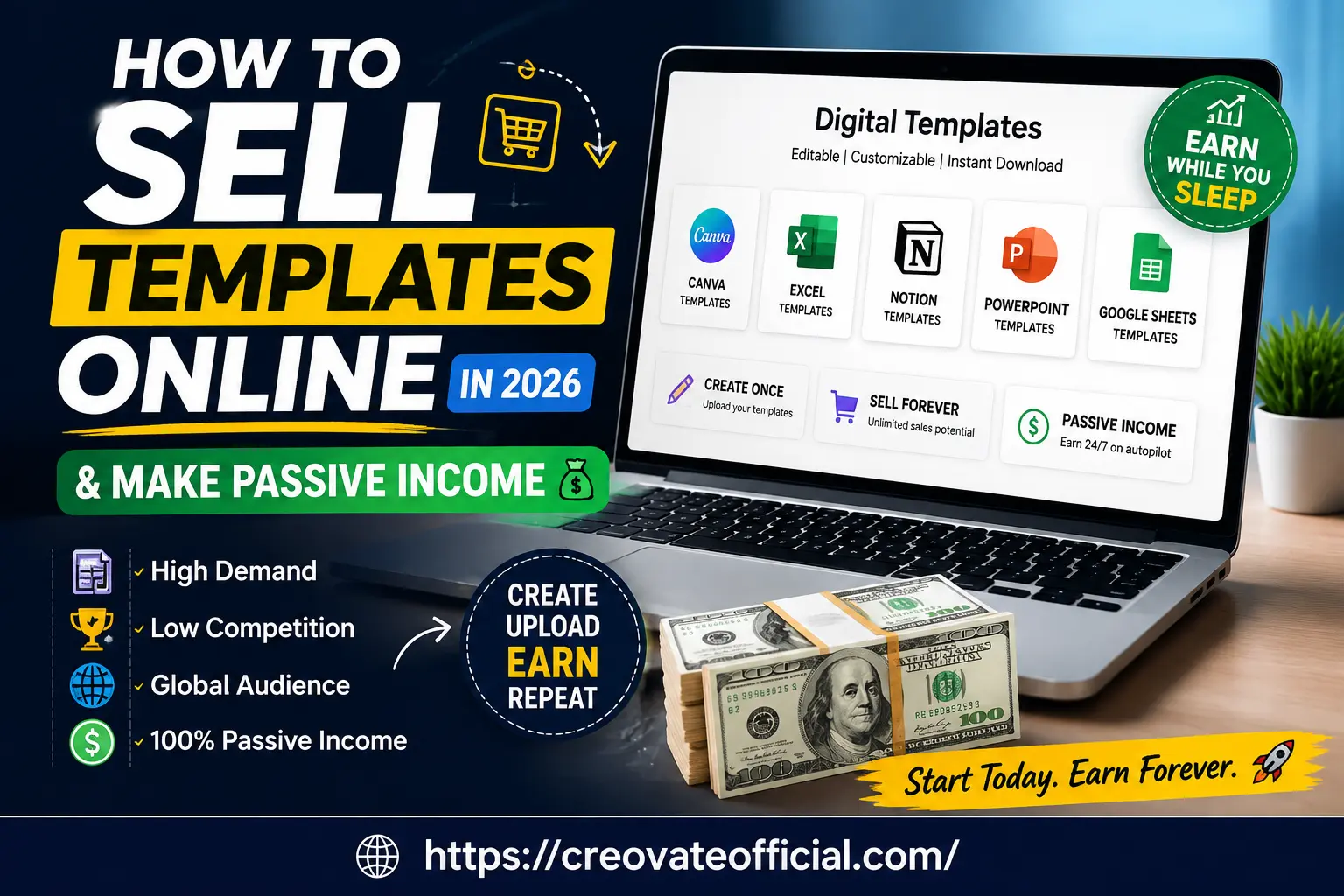
What does "selling templates online" actually mean? It means creating a reusable digital file — a spreadsheet, a Canva design, a Notion workspace, a PowerPoint deck — once, and then selling copies of that same file to different buyers who each customize it for their own use. This guide is written for beginners, freelancers, bloggers, and small business owners who already have some comfort with a tool like Excel, Canva, or Notion and want to turn that skill into a repeatable digital product, rather than trading hours for money.
Quick Answer
To sell templates online in 2026, pick a format you can build well (Canva, Notion, Excel, or PowerPoint), create a genuinely useful template that solves one specific problem, and list it on a marketplace like Etsy or your own store using Payhip or Gumroad. Price it based on the value it saves the buyer, not the time it took you to make it, then drive traffic through SEO content, Pinterest, and short-form video. Some sellers begin seeing sales within the first few months, but results vary significantly depending on demand, product quality, pricing, and promotion effort.
🎁 Free Online Income Starter Kit 2026
Get our free checklist for launching your first digital product — including a template pricing worksheet and a 30-day promotion plan.
No spam. One-click unsubscribe anytime.Why Trust This Guide
This guide was written and reviewed by the Creovate Official team, which has published and sold digital templates directly (including our own Monthly Budget Planner) and tracked what actually converts across Etsy, Gumroad, and direct-to-website sales. We've tested the tools mentioned below in our own workflow — from AI writing assistants for product descriptions to email marketing platforms for launch sequences.
Affiliate disclosure: Some links in this article are affiliate links. If you buy through them, we may earn a small commission at no extra cost to you. We only recommend tools we've genuinely evaluated, and we call out limitations honestly, not just the upsides.
Why Selling Templates Online Still Works in 2026
Digital templates remain one of the most accessible digital products to sell because they solve a problem almost everyone has: not enough time to build something from scratch. A freelancer doesn't want to design an invoice from zero. A small business owner doesn't want to build a content calendar in Notion at 11 p.m. That gap between "I need this" and "I don't want to build it" is exactly where template sellers make money.
What's changed in 2026 is competition and buyer expectations. AI tools have made it trivially easy to spin up a basic template, so generic, low-effort products get lost in the noise. What still sells well is templates built around a specific outcome — "a budget tracker for freelancers with irregular income," not just "a budget tracker."
Common Mistake to Avoid
The biggest mistake new sellers make is building a template first and looking for buyers second. Flip that order: search what people are already asking for (Etsy search suggestions, Pinterest trends, Reddit threads, Facebook groups) and build for that demand.
Best Types of Digital Templates to Sell
Here are several template categories with strong, consistent buyer demand and good potential heading into 2026.
Sell Canva Templates
Canva templates remain one of the easiest entry points because the design tool itself is free and beginner-friendly. Popular sub-niches include Instagram carousel templates, resume and CV kits, wedding invitations, and small business branding kits.
Sell Excel Templates Online
Spreadsheet templates sell exceptionally well to a very specific, high-intent buyer: someone who wants to solve a business or personal-finance problem without hiring a consultant. Budget planners, invoice trackers, inventory management sheets, and project timelines are consistent sellers. Our own Monthly Budget Planner is a good example of this category done well — it targets one clear use case instead of trying to be everything.
Sell Notion Templates
Notion templates have grown fast because so many freelancers, creators, and small teams use Notion as their all-in-one workspace but don't want to build a system from scratch. Content calendars, CRM dashboards, habit trackers, and student planners perform particularly well.
Sell PowerPoint Templates
Pitch decks, business proposal decks, and educational slide templates remain in steady demand, especially from startups, students, and consultants who need something polished fast.
Sell Website Templates
If you have web design skills, website and landing page templates (for platforms like Webflow, WordPress, or Framer) can command higher price points than static document templates, though they take more effort to build and maintain.
How to Create Templates People Actually Want to Buy
- Pick a specific problem, not a broad category. "Budget planner for freelancers with irregular income" beats "budget planner."
- Study what's already selling. Look at bestseller badges on Etsy and Creative Market in your chosen category to understand pricing and presentation.
- Build the core version first. Don't over-engineer version one — ship a clean, functional template, then improve based on buyer feedback.
- Design for the platform's native tool. A Canva template should work smoothly inside Canva's free tier; a Notion template should use widely available blocks.
- Write clear instructions. A short "how to use this template" guide dramatically reduces refund requests and negative reviews.
- Create scroll-stopping preview images. Buyers judge a template by its thumbnail before they ever open it.
2026 Update: AI-Assisted Content, Not AI-Generated Products
Use AI tools to speed up product descriptions, SEO tags, and marketing copy — but keep the actual template design and structure your own work. Buyers and marketplaces are increasingly wary of templates that feel mass-produced by AI with no human refinement.
Best Platforms to Sell Templates Online (Comparison)
Choosing where to sell matters almost as much as what you sell. Here's how the major options compare.
| Platform | Fee Structure | Built-in Traffic | Best For | Overall Recommendation |
|---|---|---|---|---|
| Etsy | Listing fee + transaction fee + payment processing (see current rates) | High | Beginners wanting discovery traffic | Great starting point |
| Creative Market | Commission-based (varies by seller tier; see current rates) | Medium-High | Design-forward templates (Canva, PPT) | Strong for polished design products |
| Gumroad | Flat percentage per sale, no listing fees (see current rates) | Low (you bring your own traffic) | Creators with an existing audience | Best margins with your own promotion |
| Payhip | Low transaction fee, free plan available (see current rates) | Low | Sellers wanting full control and low cost | Great budget-friendly option |
| Your Own Website | Hosting + payment processor fees only | None (you build it) | Established creators/bloggers | Highest long-term margin |
Fees change periodically and can vary by seller location, plan tier, and payment method — always check each platform's official pricing page before choosing.
Many successful sellers use a hybrid approach: list on Etsy for discovery, then direct repeat buyers and email subscribers to their own website or Gumroad store, where fees are typically lower.
Tools That Help You Build, Design, and Sell Faster
These aren't required to get started, but each solves a specific bottleneck template sellers commonly hit. We've used or evaluated each of these directly.
Rytr Product Descriptions & SEO Copy
Overview: Rytr is an AI writing assistant that helps generate product descriptions, marketing emails, and social captions quickly — useful when you're managing dozens of template listings.
Advantages
- Fast first drafts for listing copy
- Multiple tone and format options
- Affordable entry-level plan
Drawbacks
- Output still needs human editing for authenticity
- Not a substitute for original product design
Best for: Sellers with many listings who need to speed up description writing.
Affiliate link — see our disclosure above.
FastPixel Website Speed
Overview: If you're selling templates from your own website, page speed directly affects conversions. FastPixel is a site-speed optimization tool aimed at reducing load times for WordPress and other CMS-based stores.
Advantages
- Straightforward setup
- Meaningful speed gains for image-heavy product pages
Drawbacks
- Only relevant if you're running your own site
- Results vary by hosting environment
Best for: Sellers running their own WordPress-based template store.
Check current FastPixel pricing →
Affiliate link — see our disclosure above.
CapCut Promo Video Editing
Overview: Short-form video (Reels, TikTok, YouTube Shorts) is one of the most effective free traffic sources for template sellers in 2026. CapCut is a free video editor well-suited to quick product demo and "template flip-through" videos, and it's available on both mobile and desktop in most regions.
Advantages
- Free to download and use
- Beginner-friendly editing interface
- Built-in templates for trending formats
Drawbacks
- Some advanced features are behind a paid tier
- The specific download link below is offered through a US-based affiliate program, so international readers may prefer downloading directly from their local app store or CapCut's official site
Best for: Sellers promoting templates through short-form video content.
Download CapCut free (USA Only) →
Affiliate link — see our disclosure above. Readers outside the US can also get CapCut directly from their device's app store.
GetResponse Email Marketing
Overview: Email remains one of the highest-converting channels for repeat template sales. GetResponse offers email automation, landing pages, and a free tier suitable for launching your first lead magnet funnel.
Advantages
- Free plan available for small lists
- Built-in automation and landing pages
- Good deliverability reputation
Drawbacks
- Interface has a learning curve for complete beginners
- Advanced automation requires a paid plan
Best for: Sellers ready to build an email list around their template niche.
Explore GetResponse's essential marketing tools →
Affiliate link — see our disclosure above.
Systeme.io All-in-One Storefront
Overview: Systeme.io combines a website builder, checkout, email automation, and sales funnels in one platform — useful if you want to sell templates directly without stitching together multiple tools.
Advantages
- Free starter plan
- No need for separate checkout software
- Good for simple digital product funnels
Drawbacks
- Design flexibility is more limited than dedicated website builders
- Best suited to simpler funnels, not complex stores
Best for: Sellers who want an all-in-one, low-cost way to sell direct from their own funnel.
Affiliate link — see our disclosure above.
Synthesia AI Video for Tutorials
Overview: If you'd rather not appear on camera, Synthesia lets you create AI-avatar video tutorials — useful for "how to use this template" walkthroughs that boost buyer confidence and reduce refund requests.
Advantages
- No filming required
- Multiple language support
- Professional-looking output
Drawbacks
- Paid plans required for most practical use cases
- AI avatars can feel impersonal for some audiences
Best for: Sellers who want polished walkthrough videos without filming themselves.
Affiliate link — see our disclosure above.
CustomGPT Customer Support Automation
Overview: As your template catalog grows, so does the volume of buyer questions. CustomGPT lets you build a custom AI chatbot trained on your product documentation to handle common support questions automatically.
Advantages
- Reduces repetitive support emails
- Can be trained on your own template instructions
Drawbacks
- Most useful once you have real sales volume
- Setup takes some initial time investment
Best for: Established sellers with a growing catalog and repeat support questions.
Affiliate link — see our disclosure above.
How to Price Your Templates
Price based on the value the buyer receives, not the hours you spent building it. A well-designed budget planner that saves someone hours of spreadsheet work can reasonably sell for more than a simple aesthetic-only Canva design, even if the Canva design took longer to make.
- Simple single-use templates (one resume, one flyer): lower price point, high volume strategy.
- Multi-page systems (full Notion workspace, complete budget system): mid-to-higher price point.
- Bundles (5–10 related templates): higher price point, higher perceived value, and a common upsell.
Avoid pricing purely by copying competitors — check what similar listings include before matching their price, since a $5 listing might be a single asset while a $25 listing includes a full bundle.
How to Market and Sell Your Templates
SEO and Content Marketing
Blog posts (like this one), Pinterest pins, and YouTube tutorials that target long-tail keyword opportunities — such as "digital templates to sell" or "template business ideas" — bring in free, compounding traffic over time. See our SEO for affiliate marketing guide for a deeper walkthrough.
Email Marketing
Your email list is where repeat buyers come from. A simple lead magnet (like the free starter kit above) into a short welcome sequence consistently outperforms one-off social posts for long-term sales. Our email marketing for beginners guide covers the basics.
Social Proof and Reviews
Ask early buyers for honest reviews and feature real use cases. New buyers trust listings with detailed, specific reviews far more than generic five-star ratings.
Cross-Promotion
If you're already active in affiliate marketing or blogging, your template business can plug directly into that audience. See our guide on affiliate marketing for beginners for overlap strategies.
Pros & Cons of Selling Templates Online
Pros
- Low startup cost — no inventory or shipping
- Create once, sell repeatedly
- Scalable across multiple platforms and niches
- Works alongside a full-time job or other income streams
Cons
- Requires upfront design and research time
- Marketplace competition has increased with AI tools
- Marketing effort is ongoing, not one-time
- Platform fees can eat into margins if unmanaged
Which Platform and Niche Should You Choose?
What to look for: Low barrier to entry, transparent fee structure, and built-in discovery if you're just starting out.
Common mistakes: Trying to sell on five platforms at once before validating demand on one; pricing too low out of fear of not selling; skipping preview image quality.
Budget considerations: You can start entirely free using Canva's free tier and a free-plan platform like Payhip or Gumroad — no upfront investment required.
Who should try this: Freelancers, bloggers, and small business owners with an existing skill in Excel, Notion, Canva, or design who want a scalable side income.
Who should hold off: Anyone expecting overnight results — like most online income streams, template selling typically requires sustained listing and promotion over time before it gains real traction, and there's no fixed timeline that applies to every seller.
Frequently Asked Questions
Can you really make passive income selling templates online?
Yes, but it's "passive" only after the upfront work. You build the template once, list it on a marketplace or your own store, and it can sell repeatedly without you rebuilding it each time. Ongoing marketing and occasional updates are still required to keep sales flowing.
What is the best platform to sell templates online in 2026?
There isn't one best platform for everyone. Etsy and Creative Market are strong for beginners who want built-in traffic. Gumroad and Payhip work well if you want more control and lower fees. Your own website gives the highest margins once you have an audience.
Do I need design skills to sell templates?
Basic design skills help, but you don't need to be a professional designer. Tools like Canva, Notion, and Google Sheets have intuitive interfaces, and many successful sellers started with no formal design background.
How much can you realistically earn selling templates online?
Earnings vary widely by niche, marketing effort, and platform. Some sellers generate modest side income, while established stores with strong products, consistent traffic, and repeat customers can generate substantially more. There's no guaranteed outcome, and results depend heavily on product quality and ongoing promotion.
What are the most profitable templates to sell in 2026?
Notion productivity and business templates, Canva social media and resume kits, Excel and Google Sheets budget and business trackers, and PowerPoint pitch deck templates are among the strongest performers because they solve specific, recurring problems.
Is selling digital templates still profitable in 2026 with AI tools everywhere?
Yes, though the bar has risen. AI tools make it easy for anyone to generate a basic template, so buyers increasingly pay for curation, strategy, and design polish rather than the file alone. Sellers who add real expertise still perform well.
Do I need to pay taxes on template sales?
In most countries, yes. Digital product income is generally taxable, and marketplaces may or may not withhold taxes for you. Keep clear sales records and consult a tax professional in your jurisdiction, since rules vary by location and platform.
Final Verdict
Selling templates online in 2026 is still a genuinely viable way to build passive income, but it rewards specificity and consistency over volume. Pick one format you can build well, solve one clear problem for one clear audience, and commit to promoting it for at least a few months before judging results. Start on a low-cost or free platform, validate demand, then reinvest in tools — like email marketing or short-form video editing — once you have real sales data to guide you.
Next step: Grab the free Online Income Starter Kit above, pick your first template idea from the categories covered in this guide, and aim to publish your first listing this week.
Browse our Monthly Budget Planner template for inspiration →