Quick Answer
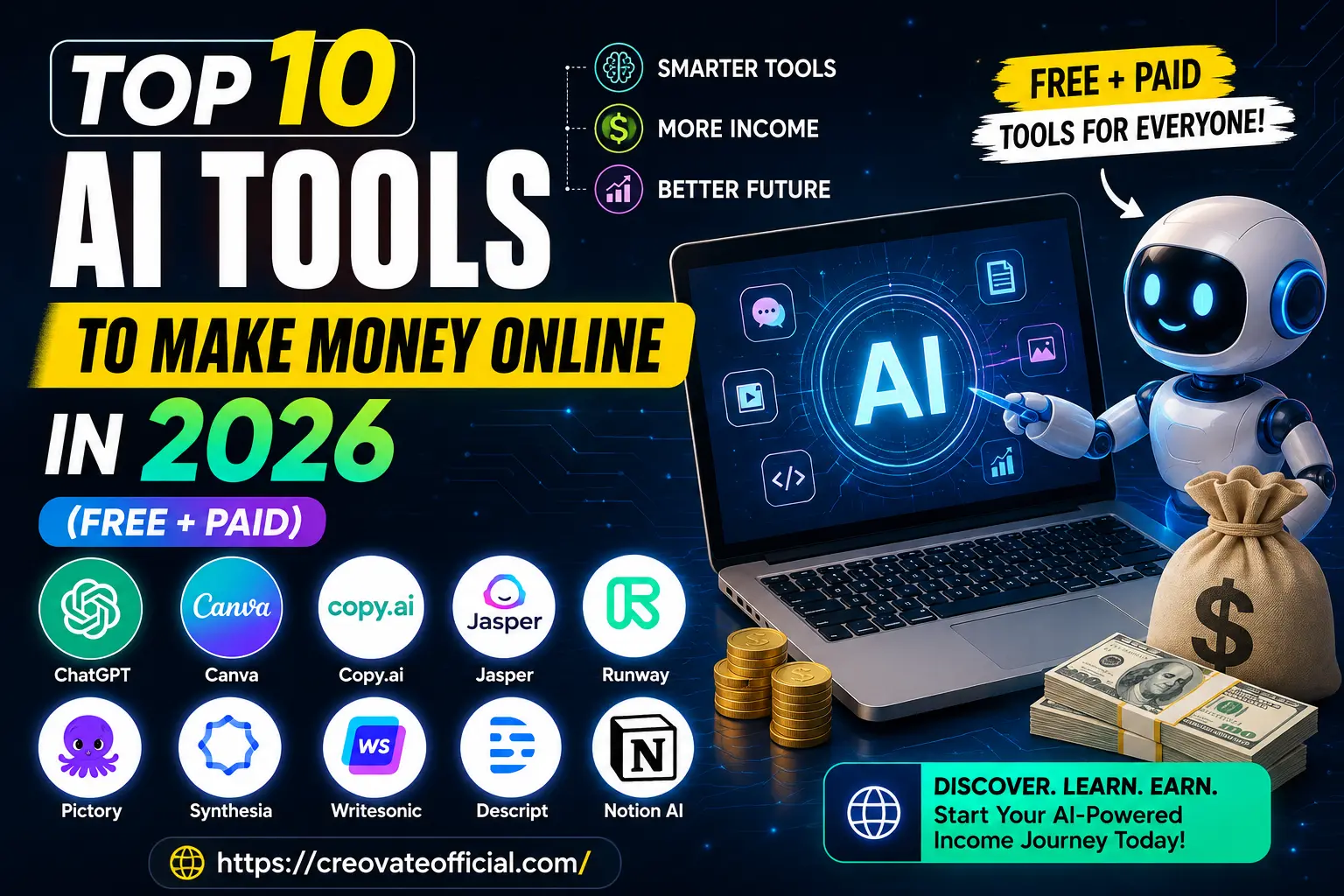
The 10 AI tools in this guide fall into three buckets: writing & content (ChatGPT, Jasper, Copy.ai, Rytr, Writesonic), design & video (Canva, Runway, Pictory, Synthesia), and editing (Descript). Most people don't need all ten — start with one tool that matches how you plan to earn (freelancing, content creation, or building an online business), use its free plan to confirm it fits your workflow, then upgrade once it's actually saving you time or generating income.
Important distinction: none of the tools in this article pay you directly. They help you produce services, content, products, or marketing faster — which can then generate income through freelancing, content platforms, or a business you run. Any AI tool marketed as "automatic income" on its own is overselling what the software actually does.
🎁 Want the shortcut version?
Grab our free Online Income Starter Kit 2026 — a checklist of every tool in this guide, plus setup notes, so you're not starting from a blank tab.
Download the Free Starter KitPrefer it in your inbox? Drop your email and we'll send it over — no spam.
Your email is used only to deliver the Starter Kit and occasional CreovateOfficial updates. Unsubscribe anytime. See our Privacy Policy.
Why Trust This Guide
Every tool below is linked directly to its official website so you can verify features and pricing yourself rather than take our word for it — look for the "Official site" link in each review. Descriptions are based on each company's own published feature and pricing pages. We haven't run a formal multi-month lab test of every tool on this list, and we say so plainly rather than pretending otherwise.
Get The No-Portfolio Client Playbook and learn how to choose a service, create practice samples, find prospects, write outreach, and take your first steps with confidence.
👉 Get it hereTable of Contents
What "Making Money With AI" Actually Means in 2026
AI tools don't hand you income — they remove the slowest, most repetitive parts of work that already makes money: writing, editing, designing, and organizing. They don't pay you directly; they help you produce services, content, products, or marketing faster, which can then generate income. The people earning with AI in 2026 usually fall into one of three lanes:
- Freelancers & service providers who use AI to take on more clients without burning out (think: copywriters using Jasper, video editors using CapCut and Descript).
- Content creators who use AI to produce more content, faster — blogs, YouTube videos, faceless channels, and social posts — using tools like Pictory, Synthesia, and Canva.
- Online business owners who use AI for the "boring but essential" side of things: email marketing, customer messaging, and staying organized, using tools like GetResponse and Notion AI.
Common mistake: buying three or four AI subscriptions in the same week because a YouTube video made them all look essential. Pick one tool tied to a specific task you already need to do, use it for two weeks, and only add another once the first one has earned its place in your workflow.
Comparison Table: 10 AI Tools at a Glance
| Tool | Best For | Free Plan? | Best For Earning Via |
|---|---|---|---|
| ChatGPT | Writing, research, ideation | Yes | Freelance writing, content, consulting |
| Canva (AI features) | Design & social graphics | Yes | Design services, social media management |
| Copy.ai | Marketing copy at scale | Yes (limited) | Copywriting, ad campaigns |
| Jasper | Long-form, brand-consistent content | Trial only | Content agencies, blogging |
| Rytr | Budget-friendly AI writing | Yes (limited) | Blogging, product descriptions |
| Runway | AI video generation & editing | Yes (limited) | Video content, ads, VFX freelancing |
| Pictory | Turning text/blogs into video | Trial only | Faceless YouTube, repurposing content |
| Synthesia | AI avatar & voiceover videos | Trial only | Course creation, training videos |
| Writesonic | SEO content & landing pages | Yes (limited) | SEO writing, agency work |
| Descript | Podcast & video editing | Yes (limited) | Podcast editing, video freelancing |
Pricing changes frequently — check each tool's official pricing page before buying rather than relying on numbers quoted in blog posts (including this one).
Individual Tool Reviews
1. ChatGPT — Best All-Around Starting Point
ChatGPT remains the default starting point for most people exploring AI-powered income because it does a bit of everything: drafting emails, brainstorming content ideas, outlining articles, writing code snippets, and acting as a research assistant. Its flexibility is exactly why it's a good first tool — you can test multiple income ideas (freelance writing, tutoring, consulting research) before committing to a niche tool.
Advantages
- Extremely versatile
- Strong free tier for testing use cases
- Huge ecosystem of guides and integrations
Drawbacks
- Not specialized for any one task
- Needs good prompting to get consistent quality
Best for: Beginners deciding which income path to pursue. Trust note: Always fact-check anything client-facing before sending it out. Official site →
2. Canva (with Magic Studio AI) — Best for Design Without Design Skills
Canva's AI features (background removal, Magic Write, Magic Design) let non-designers produce client-ready graphics, thumbnails, carousels, and pitch decks. It's one of the fastest ways to start a design or social-media-management side hustle without years of Photoshop experience.
Advantages
- Very beginner-friendly
- Huge template library
- Doubles as a full design + video editor
Drawbacks
- AI outputs can look generic without customization
- Best features are behind Canva Pro
Best for: Aspiring social media managers and freelance designers. Official site →
3. Copy.ai — Best for Marketing Copy at Scale
Copy.ai is built for volume — ad variations, email sequences, product descriptions — making it a strong fit for freelancers who write for e-commerce clients or agencies producing high volumes of short-form marketing copy.
Advantages
- Fast for short-form, repetitive copy
- Workflow automation features
Drawbacks
- Long-form output needs heavier editing
Best for: E-commerce and agency copywriters. Official site →
4. Jasper — Best for Brand-Consistent Long-Form Content
Jasper is aimed squarely at teams and agencies that need content to sound consistent across dozens of client accounts. Its brand voice settings are its main differentiator over cheaper writing tools.
Advantages
- Strong brand voice / style controls
- Built for team collaboration
Drawbacks
- Pricier than most alternatives
- Overkill for solo bloggers just starting out
Best for: Agencies managing multiple client voices. Official site →
5. Rytr — Best Budget AI Writing Tool
Rytr trades some polish for a much lower price tag, which makes it a sensible starting point if you're testing whether blogging or content writing is even a path you want to pursue before paying for a premium tool.
Advantages
- One of the most affordable AI writers
- Supports many tones and use cases
Drawbacks
- Less refined output than premium tools
- Fewer collaboration features
Best for: Beginners on a tight budget. Check current Rytr pricing (affiliate link) →
6. Runway — Best for AI Video Generation
Runway is the go-to for AI video generation and editing effects that would otherwise require real video-production skills — useful for freelancers offering short-form video ads or creative effects work.
Advantages
- Powerful generative video tools
- Useful for ads, intros, and creative effects
Drawbacks
- Learning curve for full feature set
- Credits/rendering limits on lower tiers
Best for: Creators offering short-form video or VFX services. Official site →
7. Pictory — Best for Turning Blogs Into Video
Pictory converts scripts or long-form articles into video automatically, which is why it's popular with creators repurposing blog content into faceless YouTube channels — a common low-overhead income stream.
Advantages
- Fast text-to-video workflow
- Good for repurposing existing content
Drawbacks
- Stock footage can feel generic without editing
Best for: Bloggers expanding into faceless video content. Official site →
8. Synthesia — Best for AI Avatar Videos
Synthesia generates videos with AI avatars and voiceovers, which is especially useful for course creators and businesses that need training or explainer videos without hiring on-camera talent.
Advantages
- No filming or on-camera talent needed
- Multi-language voiceover support
Drawbacks
- Avatars can still feel slightly synthetic
- Higher price point for full features
Best for: Course creators and corporate training content. Official site →
9. Writesonic — Best for SEO Content
Writesonic leans into SEO-specific features — keyword-aware outlines, landing page copy — making it a solid pick for freelancers who specifically market themselves as SEO content writers.
Advantages
- SEO-focused templates and workflows
- Good for landing pages and ad copy
Drawbacks
- Output still needs human SEO judgment
Best for: Freelance SEO writers. Official site →
10. Descript — Best for Podcast & Video Editing
Descript's text-based editing (cut a video by deleting words in the transcript) makes podcast and video editing dramatically faster, which is exactly why it's popular with freelance editors trying to serve more clients per week.
Advantages
- Text-based editing is genuinely time-saving
- Built-in transcription and filler-word removal
Drawbacks
- Advanced audio mixing still has a learning curve
Best for: Freelance podcast and video editors. Official site →
Two More Worth Knowing About
Outside the core ten, two tools come up constantly once people move from "creating content" to "running an actual online business":
- CapCut — a free, beginner-friendly video editor that pairs well with Pictory or Runway output for final polish before publishing. Get CapCut free (affiliate link, USA only) →
- GetResponse — AI-assisted email marketing and automation, useful once you have an audience to actually monetize through a newsletter or product launch. See GetResponse's marketing tools (affiliate link) →
If you're also building a site to host this content, page speed affects both SEO and conversions — tools like FastPixel (affiliate link) are built specifically to speed up WordPress and e-commerce sites.
Pros & Cons Summary
Where AI Tools Genuinely Help
- Cut first-draft time dramatically
- Let one person do work that used to need a small team
- Lower the skill barrier to start freelancing or content creation
- Free tiers make testing an income idea nearly risk-free
Where They Fall Short
- Output usually needs human editing before it's client-ready
- Subscriptions add up fast if you're not disciplined
- None of them replace an actual skill or niche — they accelerate one
- Overreliance can make content feel generic without a personal edit pass
Buying Guide: How to Choose the Right Tool
What to Look For
- A free plan or trial you can actually test your real workflow with, not just a demo.
- Export/integration options — does it fit into how you already deliver work to clients?
- Clear, transparent pricing that doesn't spike sharply at the tier you'll actually need.
Common Mistakes
- Buying an annual plan before confirming the tool fits your workflow.
- Choosing a tool because it's trending, not because it matches your income plan.
- Skipping the editing step and publishing raw AI output.
Budget Considerations
If you're just starting out and haven't earned anything yet, stack free tiers first: ChatGPT, Canva, and Rytr's free plan can realistically cover your first month of testing an idea before you spend a cent.
Who Should Buy Paid Tools (and Who Shouldn't Yet)
Upgrade once a tool is directly tied to income — a client is paying you to use it, or it's saving you enough time that the subscription pays for itself. If you're still deciding what kind of online income to pursue, stay on free tiers until you have that clarity.
Frequently Asked Questions
Can you really make money using only free AI tools?
Yes, especially at the start. ChatGPT, Canva, and the free tiers of Copy.ai and Rytr are enough to test freelance writing, design, or content creation before you need to pay for anything.
What's the fastest AI tool to start earning with?
For most beginners, ChatGPT plus Canva covers the two most in-demand freelance skills — writing and basic design — with the shortest learning curve.
Do I need coding skills to use these tools?
No. Every tool on this list is designed for non-technical users with a standard web interface.
Which AI tool is best for faceless YouTube channels?
Pictory (text-to-video) and Synthesia (AI avatars) are the two most commonly used tools for faceless or low-appearance YouTube content.
Is AI-generated content bad for SEO?
Search engines don't penalize content for being AI-assisted — they penalize low-quality, unhelpful content regardless of how it was written. Edited, fact-checked AI content that adds real value performs fine.
How much should a beginner budget per month for AI tools?
Most beginners can start for $0–$20/month by combining free tiers with one entry-level paid plan, upgrading only once a specific tool is generating income.
Can I use more than one AI writing tool at once?
You can, but it's rarely necessary early on — most writing tools overlap heavily in what they do. Master one before adding another.
Final Verdict
Key takeaway: AI tools are leverage, not a business model by themselves. The people making real money with them in 2026 picked one or two tools that matched a specific income path — freelancing, content, or business automation — and got good at using them, rather than collecting subscriptions.
Our overall recommendation: If you're starting from zero, begin with ChatGPT and Canva's free plans this week. Once you've picked a direction (writing, design, or video), add one specialized paid tool from this list that matches it.
Grab the Free Starter Kit to Get Going