Quick Answer
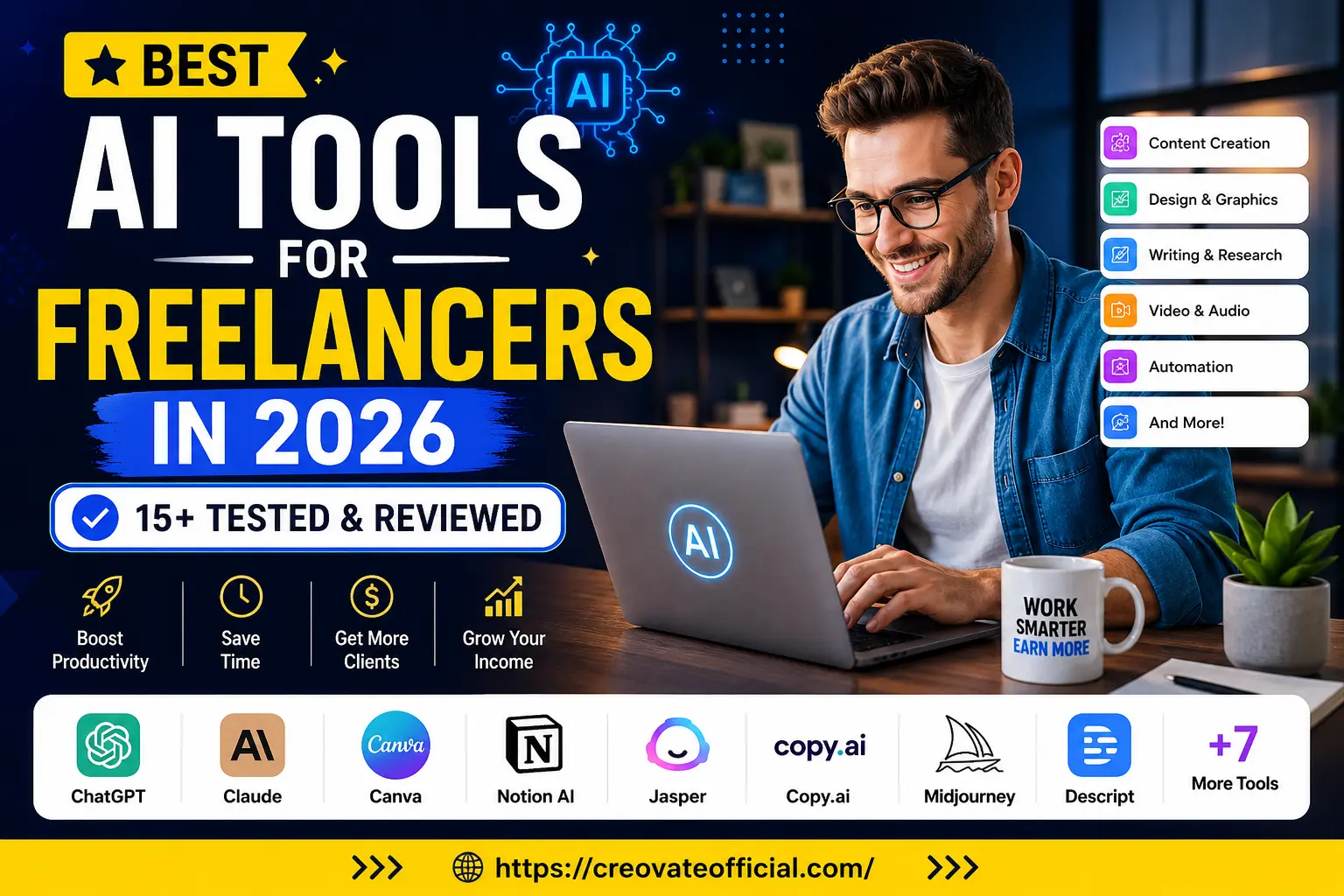
The best AI tools for freelancers in 2026 fall into five buckets: writing and content (ChatGPT, Claude, Rytr), design and video (Canva, CapCut, Midjourney), productivity (Notion AI), image and site speed optimization (FastPixel), and marketing automation (GetResponse). Most freelancers only need two or three of these to see a real jump in output — start with one for your core deliverable and one for client communication or marketing.
🎁 Free Online Income Starter Kit (2026)
Grab our free planner and toolkit to organize your freelance income, track clients, and set monthly goals — no spam, unsubscribe anytime.
By submitting, you agree to receive occasional emails from Creovate Official. We respect your inbox.
Why Trust This Guide
This guide is written and maintained by the Creovate Official team, where we test AI and productivity tools as part of our own freelance and digital-product workflow — not just from marketing pages.
Table of Contents
Why Freelancers Need AI Tools in 2026
Freelancing runs on time. Every hour spent on formatting a document, resizing an image, or writing a follow-up email is an hour not spent on billable work. AI tools don't replace your skills, but they compress the busywork around them.
In 2026, clients also expect faster turnarounds than they did a few years ago. A copywriter who can turn a brief into a polished draft in an afternoon, or a designer who can produce three concepts before lunch, has a real edge over someone doing everything manually. The freelancers who are growing fastest right now tend to share one habit: they treat AI as a first draft machine, then apply their own judgment on top.
1. Best AI Writing Tools for Freelancers
Writing tools are usually the highest-impact category because so much freelance work — proposals, emails, blog posts, product descriptions — starts with a blank page.
What to use them for
- First drafts of blog posts, landing pages, and product descriptions
- Rewriting and tightening client copy
- Brainstorming headlines, hooks, and outlines
- Drafting client proposals and cold outreach emails
2. Best AI Design & Video Tools
Visual freelancers — and honestly, most freelancers now — need to produce graphics, thumbnails, and short-form video without hiring a separate editor for every project.
What to use them for
- Social media graphics and carousels
- Client presentation decks
- Short-form video edits with auto-captions
- Concept art and mood boards for creative pitches
3. Best AI Productivity Tools
Freelancing means you're your own project manager, accountant, and assistant. AI-assisted workspaces help keep client work, deadlines, and notes in one place instead of scattered across apps.
- Auto-summarizing meeting notes and client calls
- Organizing project databases and content calendars
- Drafting internal SOPs so repeat tasks don't start from scratch
4. Best AI Marketing & Site Tools
Getting new clients is its own job. Marketing and site-performance tools help freelancers stay visible without spending every evening on outreach.
- Automated email sequences to nurture leads
- Landing pages that convert visitors into inquiries
- Faster-loading portfolio sites, since page speed affects both SEO and client trust
Comparison Table: AI Tools for Freelancers at a Glance
| Tool | Category | Starting Price | Best For | Our Take |
|---|---|---|---|---|
| Rytr | AI Writing | Free tier; paid plans scale with usage | Budget-conscious freelance writers & solopreneurs | Great value for short-form copy and drafts |
| FastPixel | Image & Site Speed | Free tier available | Freelancers with a portfolio site or blog | Simple way to shrink image weight and speed up pages |
| CapCut | AI Video Editing | Free (desktop app, USA) | Video editors, social media freelancers | Beginner-friendly, powerful auto-editing features |
| GetResponse | Email Marketing Automation | Free tier; paid plans scale with list size | Freelancers building an email list or funnel | Solid all-in-one for lead nurturing and landing pages |
| ChatGPT | AI Writing & Research | Free tier; paid plan available | General writing, research, brainstorming | Versatile everyday assistant |
| Claude | AI Writing & Analysis | Free tier; paid plan available | Long-form writing, document analysis | Strong at nuanced, longer content |
| Canva | Design | Free tier; paid plan available | Social graphics, decks, simple video | Fastest way to look professional with no design background |
| Notion AI | Productivity | Add-on to Notion plans | Organizing projects, notes, SOPs | Useful if you already live in Notion |
| Jasper | AI Writing (Marketing) | Paid plans only | Agencies and brand-voice heavy copy | Powerful but pricier than general writing tools |
| Midjourney | AI Image Generation | Paid plans only | Concept art, illustration-style visuals | Best-in-class image quality for creative pitches |
| Descript | Audio/Video Editing | Free tier; paid plan available | Podcast editors, video freelancers | Edits video like a text document — huge time-saver |
Pricing changes frequently — always confirm current plans on each provider's official pricing page before purchasing.
Individual Tool Reviews
Below are deeper looks at the tools we recommend most for freelancers, including the ones we personally use in our own content and marketing workflow.
Rytr — AI Writing Assistant
Editor's Pick: Budget WritingOverview: Rytr is a lightweight AI writing assistant built for freelancers who need fast first drafts — blog intros, product descriptions, social captions, and email copy — without a steep learning curve.
Key features: Dozens of use-case templates, tone selection, built-in plagiarism check, and support for multiple languages.
Best for: Freelance writers, virtual assistants, and small business owners who need quick, serviceable drafts rather than long-form investigative pieces.
Pricing: Rytr offers a usable free tier, with paid plans that scale based on how much content you generate monthly. Check the link below for current pricing.
✅ Advantages
- Very affordable entry point
- Simple interface, minimal setup
- Good for short-form, high-volume content
❌ Drawbacks
- Less capable for deep, long-form research pieces
- Output still needs a human editing pass
Affiliate link — we may earn a commission if you sign up, at no extra cost to you.
FastPixel — AI Image & Site Speed Optimization
Editor's Pick: Site SpeedOverview: FastPixel focuses on compressing and optimizing images and site assets so your portfolio, blog, or client sites load faster — something that matters for both SEO and first impressions.
Key features: Automatic image compression, format conversion, and site performance monitoring.
Best for: Freelancers who run their own website, blog, or online store and want better Core Web Vitals without touching code.
Pricing: A free tier is available for smaller sites, with paid plans for higher traffic or larger media libraries.
✅ Advantages
- Noticeable page-speed improvement
- No coding knowledge required
- Helps with SEO rankings indirectly
❌ Drawbacks
- Only useful if you manage your own site
- Advanced features sit behind paid tiers
Affiliate link — we may earn a commission if you sign up, at no extra cost to you.
CapCut — AI Video Editor
Editor's Pick: Video EditingOverview: CapCut is a free, AI-assisted video editor that has become a go-to for freelancers producing short-form content, client reels, or promotional videos without a full editing background.
Key features: Auto-captions, background removal, templated transitions, and AI-assisted cuts.
Best for: Social media managers, content creators, and any freelancer who needs to turn raw footage into a polished clip quickly.
Pricing: Free to download and use (USA); optional pro features may be added on the platform over time.
✅ Advantages
- Free to start, low barrier to entry
- Auto-captioning saves significant editing time
- Templates make output look professional fast
❌ Drawbacks
- Less control than professional editors like Premiere Pro
- Some advanced effects require practice to use well
Affiliate link — we may earn a commission if you sign up, at no extra cost to you.
GetResponse — Email Marketing & Automation
Editor's Pick: Marketing AutomationOverview: GetResponse bundles email marketing, landing pages, and automation into one platform, which is useful for freelancers building an audience or nurturing leads into paying clients.
Key features: Drag-and-drop email builder, marketing automation workflows, landing page creator, and AI-assisted content suggestions.
Best for: Freelancers and small business owners who want to build an email list and turn subscribers into clients or customers.
Pricing: A free tier is available for small lists, with paid plans scaling as your subscriber count grows.
✅ Advantages
- All-in-one: email, automation, and landing pages
- Beginner-friendly workflow builder
- Good deliverability reputation
❌ Drawbacks
- Pricing increases as your list grows
- Some advanced automations take time to learn
Affiliate link — we may earn a commission if you sign up, at no extra cost to you.
Pros & Cons Summary
✅ Why freelancers adopt AI tools
- Cuts drafting and editing time significantly
- Makes solo freelancers look and work like small teams
- Lowers the barrier to design and video skills
- Many tools have genuinely useful free tiers
❌ What to watch out for
- Unedited AI output can feel generic to clients
- Subscription costs add up if you over-collect tools
- Some tools have a learning curve for advanced features
- AI can't replace your judgment, taste, or client relationships
Buying Guide: How to Choose the Right AI Tools
What to look for
- A genuinely usable free tier — so you can test the tool on real work before paying.
- Fits your actual bottleneck — writing, design, video, or admin, not every category at once.
- Export flexibility — you should be able to get your work out in formats clients expect.
- Reasonable learning curve — a tool you won't open again isn't saving you time.
Common mistakes freelancers make
- Subscribing to five tools at once instead of mastering one or two
- Delivering raw AI output to clients without a review pass
- Choosing tools based on hype rather than their actual workflow
Budget considerations
If you're just starting out, lean on free tiers for the first one to three months. Once a tool is clearly saving you hours or helping you land clients, upgrading to a paid plan is usually easy to justify from the extra income it enables.
Who should buy in
Freelancers who bill by the project (not strictly by the hour) benefit most, since faster output directly increases effective hourly earnings.
Who should be cautious
If your niche depends heavily on a distinct personal voice or highly specialized expertise, use AI tools for drafts and structure only, and invest extra time in the parts only you can do well.
Frequently Asked Questions
What are the best AI tools for freelancers in 2026?
The best AI tools for freelancers in 2026 cover writing and content (ChatGPT, Claude, Rytr), design and video (Canva, CapCut, Midjourney), productivity (Notion AI), image optimization (FastPixel), and marketing automation (GetResponse). The right stack depends on your niche and budget.
Are AI tools worth it for freelancers on a tight budget?
Yes. Most AI tools offer free or low-cost starter plans that pay for themselves quickly by cutting hours off writing, editing, and admin work, which lets you take on more clients or higher-value projects.
Can AI tools replace freelance skills entirely?
No. AI tools speed up drafts, research, and repetitive tasks, but clients still pay for judgment, strategy, and a human point of view. Freelancers who blend AI speed with their own expertise tend to outperform those who rely on AI alone.
What is the best free AI tool for freelance writers?
Rytr and ChatGPT both offer usable free tiers for freelance writers, making them a solid starting point before upgrading to a paid plan once client work picks up.
Which AI tool is best for freelance video editors?
CapCut is one of the most accessible AI-assisted video editors for freelancers, offering auto-captions, background removal, and templated edits without a steep learning curve.
Do I need multiple AI subscriptions as a freelancer?
Most freelancers only need two or three tools: one for writing, one for design or video, and one for organization or marketing. Stacking too many subscriptions eats into profit without adding proportional value.
How do AI tools affect freelance pricing and income?
By reducing the time spent on drafts and repetitive tasks, AI tools let freelancers either take on more projects or spend more time on high-value work like strategy and client relationships, both of which can support higher rates over time.
Final Verdict
You don't need every AI tool on the market — you need the two or three that remove your biggest bottleneck. If writing is slowing you down, start with Rytr. If your site feels slow or clunky, FastPixel is a quick fix. If you're producing video or social content, CapCut earns its spot fast. And if landing and nurturing clients is the real challenge, GetResponse ties your outreach together.
Start with a free tier, use it on a real project this week, and only upgrade once a tool has proven it saves you time or helps you earn more.