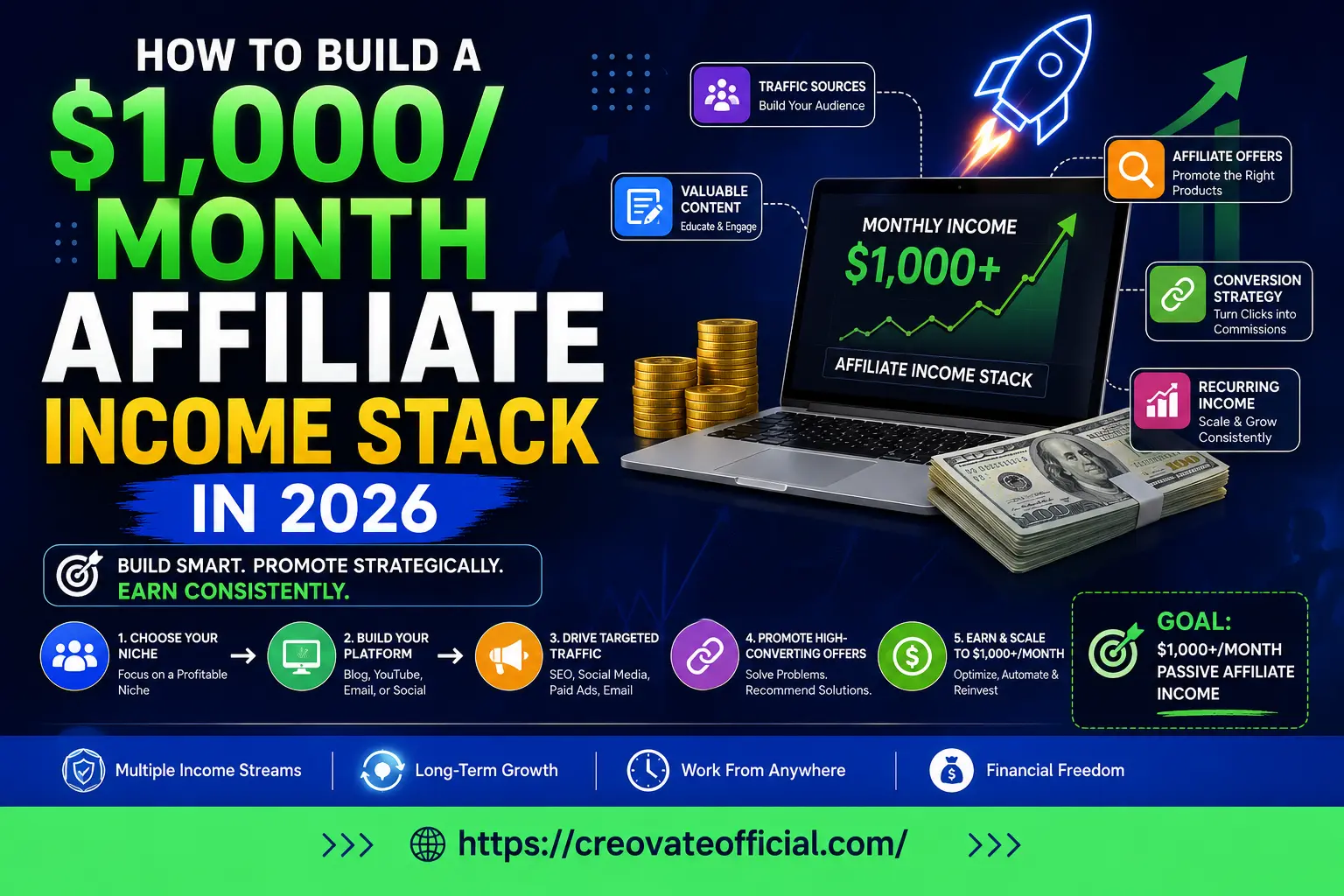
You reach $1,000/month in affiliate income by stacking multiple small streams instead of chasing one big one: a content engine (blog, YouTube, or social) that brings in traffic, an email list that turns that traffic into a warm audience, two or three well-matched tool affiliates you actually use, and one low-priced digital product you own outright. Most people who stay consistent see meaningful income between month 6 and month 12, and cross $1,000/month somewhere between month 9 and 18 as the layers start compounding together.
🎁 Free Online Income Starter Kit (2026)
Grab the checklist, niche worksheet, and 90-day content calendar we reference throughout this guide — free, no strings attached.
Prefer to just grab the file? Download it directly from Google Drive →
EEAT Why Trust This Guide
This guide is written and maintained by Creovate Official, a site focused on realistic online income strategies — not screenshots of "$10k months" with no context. Every tool mentioned below is one we've either used directly, tested a free trial of, or vetted against its own documentation and pricing page before recommending it.
Affiliate disclosure: Some links in this article are affiliate links, meaning Creovate Official may earn a small commission if you sign up or purchase — at no additional cost to you. We only recommend products we believe genuinely help beginners. Results are not guaranteed and depend on your niche, effort, and consistency.
- What an "income stack" actually is
- Layer 1 — Pick your content engine
- Layer 2 — Build an email list that converts
- Layer 3 — Add AI & productivity tool affiliates
- Layer 4 — Sell your own digital product
- Tool comparison table
- Individual product reviews
- Pros & cons of the income-stack method
- Buying & decision guide
- 90-day roadmap
- Common mistakes to avoid
- FAQs
- Final verdict
What an "Income Stack" Actually Is
Most beginners try to get one affiliate link to pay the rent. It rarely works, because a single link depends on one traffic source, one commission rate, and one audience mood. If that source dips, your income dips with it.
An income stack spreads that risk across three or four smaller, complementary streams that reinforce each other. Your content brings people in. Your email list keeps them around after they leave the page. Your tool affiliates monetize the people who are already shopping for software. Your own digital product captures the people who trust you enough to buy something you made yourself — usually your highest-margin stream, since you keep 100% of the revenue instead of a commission cut.
01Layer 1 — Pick Your Content Engine
This is the layer everything else sits on top of, so pick a format you can realistically publish to for the next 12 months — not the one that looks easiest this week.
Blog / SEO content
Best if you enjoy writing and want traffic that keeps working for years. A well-optimized post published today can still be bringing in readers — and clicks on your affiliate links — two or three years from now. The tradeoff is patience: search traffic usually takes three to six months to build.
YouTube or short-form video
Best if you're comfortable on camera and want faster feedback. Video builds trust quickly because people see and hear you, which tends to lift affiliate click-through rates. It also demands more consistent production time than writing does.
Newsletter-first
An underrated option: write directly to an email list from day one instead of routing through social platforms first. It's slower to grow initially but skips the "renting an audience" problem entirely, since you own the list.
02Layer 2 — Build an Email List That Actually Converts
Traffic you don't own can disappear overnight — an algorithm change, a suspended account, a platform pivot. An email list is the one audience asset that's actually yours.
The goal isn't a huge list. A focused list of 500–2,000 engaged subscribers who open your emails will consistently out-earn a passive list of 20,000 who don't. This is where a proper email marketing tool earns its keep: automated welcome sequences, tagging by interest, and simple broadcast emails that go out the moment you publish something new.
This is also where a tool like GetResponse fits into the stack — automating the welcome sequence and follow-up emails so your list keeps converting even on the weeks you don't have time to write a full newsletter. More on that in the product reviews below.
Best practices for this layer
- Offer one clear lead magnet (like the starter kit above) instead of five vague ones.
- Send at least one email a week — inconsistent lists go cold fast.
- Segment early: "interested but hasn't bought" vs. "already bought" behave very differently.
03Layer 3 — Add AI & Productivity Tool Affiliates
Software affiliate programs are one of the best entry points for beginners because the products sell themselves once you demonstrate real use cases — you're not convincing anyone to buy something they weren't already going to research.
Two tools fit naturally here if you're creating content regularly: an AI writing assistant like Rytr for drafting outlines and first drafts faster, and a site-speed tool like FastPixel if your content engine is a website, since page speed directly affects both SEO rankings and conversion rates.
04Layer 4 — Sell Your Own Digital Product
This is the layer most beginners skip, and it's usually the highest-margin one. Affiliate commissions typically run 10–40% of a sale. A digital product you made — a template, planner, or short course — keeps close to 100% of the revenue after payment processing fees.
It doesn't need to be complex. Our own Monthly Budget Planner started as a simple spreadsheet built for our own newsletter audience, and it's a good example of the format: solve one specific, recurring problem for the same audience your content already attracts.
Best practices for this layer
- Build it for the audience you already have — don't guess at a new one.
- Price it low enough to be an easy "yes" ($9–$29 is a common sweet spot for a first product).
- Promote it inside your email welcome sequence, not just as a one-off launch.
Tool Comparison: The 2026 Starter Stack
These are the four tools referenced throughout this guide, compared side by side. Pricing changes over time, so we've described tiers instead of hardcoding numbers — always check the current pricing page before you commit.
| Tool | Category | Pricing Model | Best For | Overall Fit |
|---|---|---|---|---|
| Rytr | AI writing assistant | Free tier + paid monthly plans | Drafting outlines, captions, first drafts fast | Great starter tool |
| FastPixel | Website speed & caching | Free trial + tiered monthly plans | Bloggers whose site feels slow | Strong for SEO-first stacks |
| CapCut | Video editing | Free with optional paid Pro features | Short-form video / YouTube creators | Best free-tier option |
| GetResponse | Email marketing & automation | Free tier + tiered paid plans | Building and monetizing an email list | Core Layer 2 tool |
Individual Product Reviews
Rytr — AI Writing Assistant
Layer 3Rytr is a lightweight AI writing tool built for speed rather than long-form polish — useful for beating a blank page on outlines, product descriptions, and social captions.
Advantages
- Fast, simple interface with minimal learning curve
- Usable free tier before you commit to paying
- Dozens of use-case templates beyond blogging
Drawbacks
- Long-form output usually needs a human editing pass
- Less depth than dedicated long-form AI writing tools
Pricing changes periodically — check Rytr's site for current free-tier limits and plan pricing before subscribing.
FastPixel — Site Speed Optimization
Layer 1 supportFastPixel is a caching and speed-optimization tool aimed at making WordPress and similar sites load faster, which matters directly for SEO rankings and how many visitors stick around long enough to click an affiliate link.
Advantages
- Targets a real, measurable problem: page load time
- Setup is largely automated rather than manual tuning
- Speed improvements can lift both SEO and conversions
Drawbacks
- Only relevant if your content engine is a website
- Results vary by hosting provider and existing setup
Skip this one if your content engine is video or social-first — it only helps if you're running your own website.
CapCut — Free Video Editor
Layer 1 · USA onlyCapCut is a free, beginner-friendly video editor that's become a default choice for short-form content creators, with templates, captions, and effects built specifically for vertical video.
Advantages
- Genuinely usable for free, not just a stripped-down trial
- Built-in auto-captions save significant editing time
- Templates make short-form video approachable for beginners
Drawbacks
- Advanced color grading and audio tools lag behind desktop editors
- This particular offer is limited to USA downloads
If you're outside the USA, search "CapCut" directly in your app store — the app itself is available more broadly than this specific offer.
GetResponse — Email Marketing Tools
Layer 2GetResponse handles the email side of the stack: opt-in forms, automated welcome sequences, and broadcast emails, all in one platform aimed at solo creators and small businesses rather than large enterprise teams.
Advantages
- Automation workflows do the follow-up work for you
- Free tier available to test before upgrading
- Built-in landing pages if you don't have a website yet
Drawbacks
- More features than a total beginner needs on day one
- Interface has a learning curve compared to the simplest tools
Start on the free or lowest paid tier — you don't need advanced automation until your list passes a few hundred subscribers.
Pros & Cons of the Income-Stack Method
Pros
- No single point of failure — one weak stream doesn't sink your income
- Digital product layer keeps a larger share of each sale
- Email list is an asset you keep even if a platform changes its rules
- Realistic for people working around a full-time job
Cons
- Slower to see results than chasing one viral post
- Requires managing more moving parts than a single link
- Some layers (especially SEO content) take months to mature
- Building a digital product takes real upfront time
Buying & Decision Guide
Not every layer needs to start on day one. Here's how to sequence your spending and effort based on where you're starting from.
Who should hold off
If you're looking for guaranteed income in 30 days, this isn't the right approach — it's a compounding system, not a quick flip. If that's genuinely what you need right now, a stack like this will feel slow and disappointing.
Expert tip
Pick the tool in each layer that removes your specific bottleneck, not the one with the flashiest features. A slow website benefits far more from FastPixel than from a fancier AI writer.
The 90-Day Roadmap
- Days 1–14: Pick your content engine and niche. Publish your first 3–5 pieces of content. Set up your email opt-in form.
- Days 15–30: Launch a simple welcome email sequence. Add your first tool affiliate link inside content where it naturally fits.
- Days 31–60: Publish consistently (aim for 2x/week). Start outlining your digital product based on the questions your audience keeps asking.
- Days 61–90: Launch your digital product to your email list. Review which layer is converting best, and double down there.
Common Mistakes That Keep People at $0/Month
Frequently Asked Questions
Most people who stay consistent see meaningful income between month 6 and 12, and reach $1,000/month somewhere between month 9 and 18 once several layers are compounding together. It depends heavily on niche, consistency, and how fast your traffic source grows.
No — you can start with a newsletter, YouTube channel, or a social profile with a link in bio. A website becomes valuable once you want search traffic that keeps working while you sleep, since social posts fade fast but articles can rank for years.
Yes, but the bar is higher than it was a few years ago. Thin, AI-spun comparison posts rank poorly now. What still works is genuinely useful content from someone who has actually used the products, published consistently, and built an owned email list.
You can start for close to $0 using free blog or video platforms and free software tiers. A realistic starter budget once you're serious is roughly $20–$60/month for hosting, an email tool, and one paid subscription you genuinely use and recommend.
Pick the format you'll actually stick with for a year. If you like writing, start a blog. If you're comfortable on camera, start with short-form video. If you're strong in text but shy on camera, a newsletter is often the fastest path to trust and conversions.
Yes — most successful affiliate stacks are built on the side. Five to seven focused hours a week is enough if you're consistent, especially if you batch content and automate your email follow-ups instead of doing everything live.
No. A focused audience of a few thousand people who trust your recommendations will out-earn a much larger, unengaged audience. Conversion rate and relevance matter more than raw follower count.
Final Verdict
There's no single link, tool, or platform that reliably hits $1,000/month on its own in 2026. What works is layering: a content engine that brings people in, an email list you own, two or three tool affiliates that genuinely fit your audience, and one digital product that's entirely yours.
- Start with the layer that matches your strengths, not the one that looks trendiest.
- Give each layer 8–12 weeks before judging it.
- Only promote tools you'd recommend even without the commission.
Ready to start? Grab the free starter kit, pick your content engine this week, and set up your first email opt-in before you publish anything else.