How to Start a Blog in India for ₹69/Month* with Hostinger
You don't need savings, a developer, or a "perfect" idea to publish your first blog post this weekend. You need a domain, a hosting plan that won't wreck your budget, and a system to follow. This guide is that system — written for Indian readers who want to start small and grow into it.
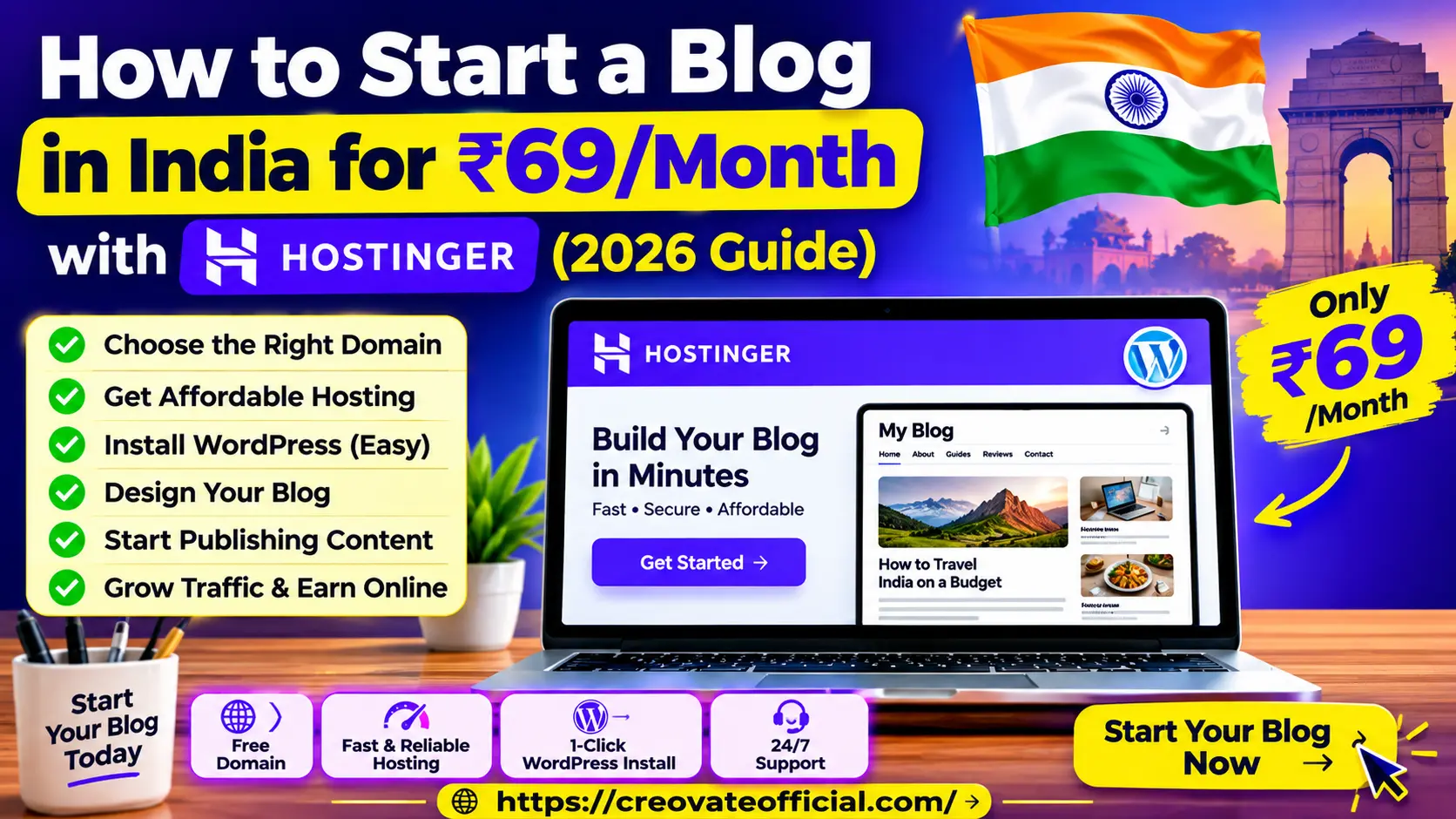
*Introductory price on a longer billing cycle, paid upfront; renewal pricing is higher. This post contains affiliate links — if you buy through them, we may earn a commission at no extra cost to you. We only recommend tools we've actually used or independently researched. Full disclosure below.
Quick Answer
To start a blog in India cheaply: pick a niche and blog name, buy a Hostinger hosting plan (entry plans work out to an introductory ₹69–₹149/month equivalent when billed on a longer term, and include a free domain and SSL), install WordPress with Hostinger's one-click installer, choose a lightweight free theme, install 3–4 essential plugins, and publish your first post. Most beginners can go from zero to a live blog in under 60 minutes — the harder part is staying consistent after that.
Get the Online Income Starter Kit 2026
A free checklist covering blog setup, content planning, and beginner monetization — straight to your inbox.
By submitting your email, you agree to receive the requested resource and occasional emails from Creovate Official. You can unsubscribe at any time. See our Privacy Policy.
Prefer instant access?
🎁 Download the Starter Kit now →Why Trust This Guide
This walkthrough is based on actually setting up WordPress blogs on Hostinger's shared and WordPress hosting plans, testing the onboarding flow, and tracking what trips up first-time bloggers in India specifically — payment options, GST on hosting invoices, domain extensions, and page speed from Indian cities.
- Hands-on setup: every step below reflects Hostinger's actual dashboard as of 2026, not a generic "how WordPress works" rehash.
- Independent research: pricing and specs are cross-checked against Hostinger's public plan pages; we note where promotional pricing changes.
- Transparency: we tell you where Hostinger falls short, not just where it wins.
- Affiliate disclosure: some links on this page are affiliate links. That never changes our recommendation — we'd suggest Hostinger's entry plan to a beginner whether or not we earned a commission on it.
Why Start a Blog in India in 2026?
Blogging in India has changed a lot since the "just write and AdSense will pay you" days. What hasn't changed is that a blog can be a relatively low-cost digital asset that you control, unlike audiences built entirely on third-party platforms — you're not renting attention from an algorithm, you're building a property with your name on it.
For Indian creators specifically, three things make 2026 a good time to start: hosting costs have dropped (a decent plan now costs less than a single food delivery order per month), UPI and Indian payment support has improved on hosting platforms, and the affiliate, digital product, and freelance-service economy around blogs has matured enough that a focused niche blog can realistically pay for itself within 6–12 months of consistent publishing.
1Pick Your Niche and Blog Name
Before you touch hosting, decide what you're actually going to write about. A blog without a niche is a diary; a blog with one is a business.
How to choose a niche that can actually grow
- Pick something you can write 50+ posts about without running out of ideas — personal finance, home cooking, travel on a budget, parenting, tech reviews, and freelancing all qualify.
- Check if it has commercial intent. Niches where people eventually buy something (courses, tools, products, services) monetize faster than pure entertainment niches.
- Narrow it down. "Travel" is too broad; "budget travel in South India for solo women" is a blog someone can actually rank for and remember.
Naming and domain tips
Keep your blog name short, easy to say out loud, and easy to spell after hearing it once. Avoid hyphens and numbers. If you can get the exact match on a .com, take it — but a .in domain works well if you're specifically targeting Indian readers, and it's often cheaper.
2Choose Your Hosting Plan
This is where the ₹69/month figure comes from. Hosting is the "rent" for your blog's home on the internet, and it's the one recurring cost you can't skip.
What ₹69/month actually gets you
Hostinger's entry-level shared hosting plan is usually the cheapest way into WordPress hosting in India. At that price point you typically get enough storage and bandwidth for a new blog, a free SSL certificate, a free domain for the first year, and a one-click WordPress installer. The catch: that headline price is almost always tied to a longer billing term (like 48 months) paid upfront, and renews at a higher rate — so budget for that before you commit.
*Introductory rate shown as a monthly equivalent; typically billed as a lump sum for a longer term (e.g. 48 months), with free domain requiring an annual or longer plan and renewal pricing applying after year one.
What to check before you buy
- Billing term — a 48-month plan looks cheap monthly but locks in a big upfront payment.
- Renewal price — always higher than the intro price. Check it so you're not surprised in year two.
- Data center location — pick one near India (or a CDN-backed plan) for faster load times for Indian readers.
- Refund window — Hostinger typically offers a 30-day money-back window; know it exists before you buy.
3Claim Your Free Domain
Most Hostinger hosting plans above the most basic tier bundle a free domain for the first year. During checkout, you'll search your blog name, check available extensions (.com, .in, .co.in), and attach it to your plan — no separate purchase needed.
Best practices
- Set a reminder for your domain renewal date — free-year domains auto-bill at standard pricing afterward.
- Enable WHOIS/ID protection if offered, so your personal address isn't public.
- Double-check spelling before confirming — domain typos are annoying to fix later.
4Install WordPress (One Click)
From your Hostinger dashboard (hPanel), go to Websites → Auto Installer (or the guided onboarding flow that runs right after checkout), select WordPress, set your site title, admin username, and a strong password, and click install. It typically takes a couple of minutes.
Common install mistakes
- Leaving the default username as "admin" — change it to something unique.
- Skipping the SSL activation step, which leaves your site showing "Not Secure" in browsers.
- Forgetting to bookmark your
/wp-adminlogin URL.
5Design Your Blog
You don't need a custom design to launch. Pick a free, lightweight theme — something like Astra, GeneratePress, or Kadence — and customize the logo, colors, and homepage layout using the built-in WordPress or Hostinger website builder.
Design priorities for a new blog
- Speed over decoration. A fast, plain theme beats a slow, flashy one for both readers and Google.
- Mobile-first. Many readers may access your blog on mobile devices, so test every template change on mobile before publishing.
- Clear navigation. A simple menu (Home, About, Blog, Contact) is enough at launch.
6Install Essential Plugins
Keep your plugin list short at first — every plugin is one more thing that can slow your site down or break during an update.
Beginner plugin stack
- An SEO plugin (Rank Math or Yoast) — handles meta titles, sitemaps, and basic on-page SEO checks.
- A caching plugin — if your host doesn't already include server-side caching, this speeds up page loads.
- A backup plugin — automated backups so a bad update never means starting over.
- A security/firewall plugin — basic protection against brute-force login attempts.
7Write and Publish Your First Post
Don't overthink post #1. Write something genuinely useful in your niche, structure it with clear H2/H3 headings, add one relevant image, and hit publish. Perfectionism is the single biggest reason new blogs never launch.
A simple first-post checklist
- One clear, specific title (not clever — clear).
- Short intro that states what the reader will get from the post.
- Scannable structure: headings, short paragraphs, at least one list.
- A closing thought or next step for the reader.
8Promote Your Blog and Start Growing Traffic
Publishing is only half the job — a new blog has zero built-in audience, so you need to actively point people toward it while search engines slowly start ranking your pages.
Where to start
- Search Console + sitemap. Confirm indexing status and fix any crawl errors early.
- Share it where your readers already are — relevant Reddit communities, Facebook groups, WhatsApp/Telegram communities, or niche forums, without spamming.
- Repurpose each post into a short video or carousel for Instagram/YouTube Shorts to bring in readers who don't use search yet.
- Start an email list from day one so early readers aren't lost the moment they leave your site.
What Hostinger's Entry-Level Plan Includes
Rather than guess at competitors' current pricing, here's a plain breakdown of what Hostinger's own entry-level shared hosting tier typically includes, so you can compare it against whatever else you're considering using each provider's own official pricing page.
| Feature | Hostinger Premium (entry tier) |
|---|---|
| Starting price | Introductory rate, monthly equivalent, on a longer billing term paid upfront |
| Free domain | Yes, first year, on annual or longer plans |
| Free SSL certificate | Yes |
| 1-click WordPress install | Yes |
| Money-back window | Typically around 30 days — confirm current terms at checkout |
| Dashboard | Beginner-friendly (hPanel) |
| Best for | First-time bloggers on a tight budget |
Pricing and features change frequently — always confirm current numbers on Hostinger's official pricing page, and compare against any alternative provider's own official page, before purchasing.
Hostinger Plan Reviews
Hostinger Premium (Shared Hosting) Best for launch
The plan most new Indian bloggers start on. It's built for someone who wants WordPress running today without learning server administration.
Advantages
- Lowest entry price of Hostinger's WordPress-ready tiers
- Free domain and SSL bundled on longer terms
- Beginner-friendly hPanel dashboard
- One-click WordPress install and staging tools
Drawbacks
- Shared server resources — can slow down as traffic grows
- Best pricing requires a long upfront commitment
- Some advanced features gated to higher tiers
Best for: a first blog with no existing traffic. Pricing: check Hostinger's live pricing page, as introductory rates change by region and term.
View Hostinger Premium Plan →Hostinger Business (WordPress Hosting) Best for growth
A step up for bloggers who've outgrown shared hosting's limits — usually needed once you're publishing consistently and traffic is climbing.
Advantages
- More server resources and typically better caching
- Daily backups on most Business-tier plans
- Better handling of traffic spikes
Drawbacks
- Higher monthly cost than the entry plan
- Overkill for a brand-new blog with no readers yet
Best for: bloggers whose traffic or resource usage is consistently approaching the limits of their current plan. Pricing: higher than Premium — confirm current rates before upgrading.
Tools Worth Pairing With Your New Blog
Hosting gets your blog live. These tools help you actually produce and promote content once it is — we use versions of most of these ourselves.
AI writing assistant for drafting post outlines and social captions faster.
Image optimization and site-speed tooling for image-heavy blog posts.
Email marketing so your first readers don't leave and never come back.
Simple funnels and digital product delivery once you're ready to sell something.
Turn blog posts into short AI video explainers for YouTube Shorts or Reels.
Build an AI chatbot trained on your own blog content for reader Q&A.
Free video editor for repurposing blog content into short-form video.
Outsource your logo, banner, or first few blog graphics affordably.
Our own digital planner to track blogging costs against early income.
Pros & Cons Summary
✅ Why this setup works
- A relatively low-cost way to get a WordPress blog online in India
- No coding required at any step
- Free domain and SSL remove two common beginner costs
- Beginner-friendly dashboard reduces setup errors
- Easy to upgrade hosting later as traffic grows
⚠️ What to watch for
- Lowest price requires a long-term, upfront payment
- Renewal pricing is meaningfully higher than the intro rate
- Shared hosting has real resource limits once traffic scales
- You still need to do the actual writing and promotion — hosting isn't a growth strategy
Buying Guide: Which Plan Should You Actually Pick?
Frequently Asked Questions
Is ₹69/month enough to start a blog in India?
Yes, for hosting, as an introductory rate. That figure is typically the monthly equivalent of a longer billing term paid upfront, and it covers shared hosting with a free domain and SSL. It won't cover premium themes, paid plugins, or promotion — but none of those are required to launch.
Do I need coding knowledge to start a blog?
No. WordPress combined with a modern hosting dashboard lets you build and manage a blog entirely through visual tools — themes, page builders, and plugins handle the technical work.
How much does it really cost to start a blog in India in 2026, including everything?
Hosting alone can start around an introductory ₹69–₹150/month equivalent. Add an optional premium theme (₹0–₹6,000 one-time), an email marketing tool's free tier, and basic design help from Fiverr, and a realistic all-in first-year budget is still well under ₹10,000 for most beginners.
Should I choose a .com or .in domain?
.com is the safer default for broad or global topics; .in works well if your content and audience are specifically Indian. Both are supported by Hostinger's domain search at checkout.
Can I switch hosting providers later if I outgrow the entry plan?
Yes. Most WordPress migrations can be done with a migration plugin or your new host's free migration service, usually with minimal downtime if planned properly.
How long does it take to start earning from a blog?
Some consistently published niche blogs begin seeing meaningful organic traffic within several months, but timelines vary widely by niche, competition, content quality, authority, and promotion. Monetization (affiliate income, ads, or digital products) generally follows traffic growth rather than a fixed schedule — consistency matters more than any single technical choice.
Is shared hosting good enough, or should I start with cloud hosting?
Shared hosting is enough for a new blog. Cloud or business-tier hosting only becomes worthwhile once you have consistent traffic that shared resources can't comfortably handle.
What's the biggest mistake new bloggers in India make?
Over-investing in setup — premium themes, too many plugins, custom logos — before publishing a single post. Launch lean, then improve based on what your actual readers respond to.
Final Verdict
If your main blocker to starting a blog has been cost, an introductory rate around ₹69/month lowers that barrier significantly. Hostinger's entry plan gives beginners in India a low-cost, low-risk way to get a WordPress blog live — free domain, free SSL, one-click install, no coding. The setup takes under an hour. What happens after launch — showing up weekly, writing for a specific reader, and slowly building trust — is the part no hosting plan can do for you.
Start Your Blog on Hostinger →