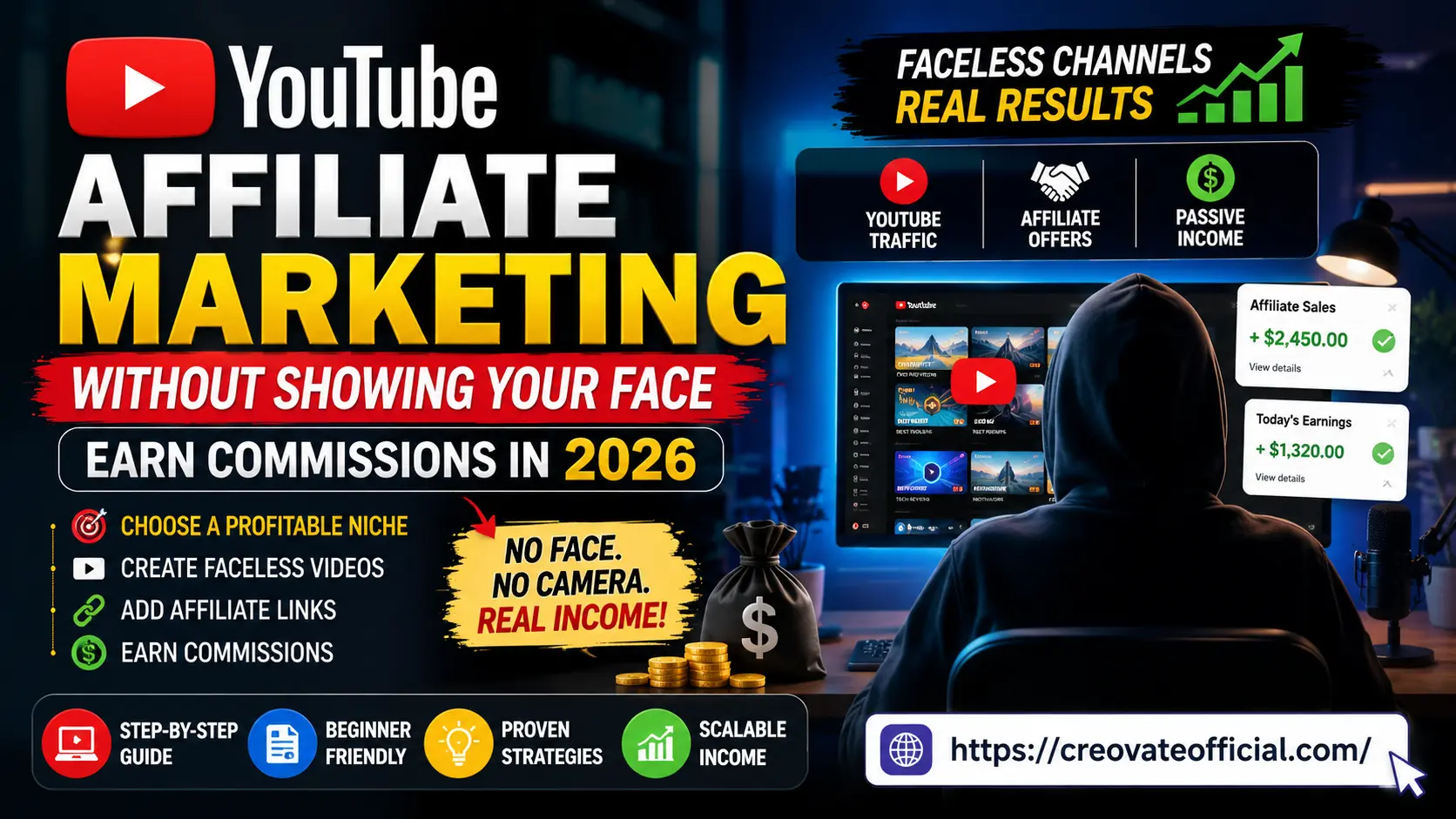
YouTube Affiliate Marketing Without Showing Your Face: Earn Real Commissions in 2026
No camera. No on-screen talent. No problem. Here's the exact framework faceless creators are using right now to turn screen recordings, stock footage, and AI voiceovers into a genuine affiliate income stream.
📖 22 min read🗓️ Updated August 2026✍️ By Suresh Sannapareddy, Creovate Official
Quick Answer
Yes — you can build a profitable YouTube affiliate channel without ever appearing on camera. Faceless creators use screen recordings, stock footage, text-driven slides, and AI-generated voiceovers or avatars to produce tutorials, reviews, and "best of" list videos, then earn commissions by linking affiliate products in the description and pinned comments. The channels that actually make money treat it like a real content business: one clear niche, consistent uploads, and links to products the creator genuinely understands.
🎁 Free Online Income Starter Kit (2026)
Grab our free planning kit: niche worksheet, faceless video script templates, and a 30-day upload calendar — the same framework used in this guide.
By subscribing, you agree to receive emails from Creovate Official. See our Privacy Policy. Unsubscribe anytime.
Why Trust This Guide
This guide was built the way we'd want to read it: grounded in what actually works, not recycled "make $10k a month overnight" hype. At Creovate Official, we test and write about digital income strategies, affiliate programs, and AI-assisted content tools every week, and we've run faceless content experiments across YouTube, Pinterest, and blogs ourselves.
101+
Published digital marketing guides
7+
Tools tested hands-on for this guide
2026
Fully updated for current YouTube policy
0
Guaranteed-income promises made
We're upfront about one thing: results vary a lot based on niche, consistency, and video quality. Anyone who promises a guaranteed dollar figure is selling you something else. What we can promise is a realistic, step-by-step framework and honest notes on every tool we recommend.
Affiliate Disclosure: This article contains affiliate links. If you click through and make a purchase, Creovate Official may earn a commission at no extra cost to you. We only recommend tools we've personally evaluated or that are widely used and trusted by the faceless creator community. This does not influence our honest assessment of pros, cons, or fit.
📘
Get The No-Portfolio Client Playbook and learn how to choose a service, create practice samples, find prospects, write outreach, and take your first steps with confidence.
What Faceless YouTube Affiliate Marketing Actually Is
Faceless YouTube affiliate marketing means building a channel and earning affiliate commissions without ever appearing on camera yourself. Instead of talking-head videos, faceless creators rely on:
Stock or licensed b-roll footage — travel, tech, lifestyle content
AI voiceovers or avatars — narration without recording your own voice or face
Text-and-graphics videos — "top 10" lists, quote compilations, data breakdowns
Motion graphics and animation — explainer-style videos
The affiliate part works exactly like it does on a blog: you recommend a product or tool relevant to your video's topic, drop a tracked affiliate link in the description or pinned comment, and earn a commission when a viewer buys or signs up through that link. YouTube doesn't require you to show your face to do any of this — the platform cares about content quality and policy compliance, not who (or whether anyone) is on screen.
Why Faceless Channels Work in 2026
Faceless content isn't a loophole — it's become a legitimate content category with its own best practices, largely because AI tools made production faster and viewers increasingly search YouTube the way they search Google: for information, not personalities.
The three forces behind faceless growth
Search-first viewing behavior. People type "best budgeting app 2026" into YouTube search the same way they'd Google it. They want the answer, not a personal vlog.
AI production tools matured. Voice cloning, AI avatars, and script generators (like Rytr for scripting) cut production time from days to hours.
Lower barrier, higher volume. Because you're not dependent on filming schedules or camera confidence, faceless creators can publish more consistently. Consistent publishing can help you build a reliable content library and learn what works, but video quality, viewer satisfaction, relevance, and audience response also matter.
2026 update: YouTube has tightened its stance on mass-produced, low-effort "reused content" (repetitive AI slideshows with no added value). Well-edited, genuinely useful faceless content is unaffected — this policy targets spam, not the format itself.
Choosing a Profitable Faceless Niche
Niche selection matters more for faceless channels than for personality-driven ones, because you're relying entirely on topic authority and search demand rather than charisma to hold attention.
What makes a niche faceless-friendly
It's visually demonstrable. Software, apps, budgeting tools, AI tools, and digital products all show well on screen without a person.
It has active affiliate programs. Check for programs before committing — software and SaaS tools tend to pay recurring commissions.
It has genuine search volume. "How to use [tool]" and "[tool] review" queries are reliable, evergreen traffic sources.
You can speak to it credibly. Even with AI narration, the script needs real understanding behind it — viewers can tell when a script is hollow.
High-potential faceless niches for 2026
AI tools and productivity software reviews
Personal finance and budgeting (planners, apps, side income)
Video editing and content-creation tool tutorials
Freelancing and remote-work platforms
Email marketing and small-business software
Tech comparisons and "versus" videos
Common mistake: Picking a broad, "everything" niche like "make money online" with no sub-focus. Algorithms and viewers both reward topical clarity — narrow first, expand later.
7 Faceless Video Formats That Convert
Not every faceless format sells products equally well. These seven are the workhorses of profitable faceless affiliate channels.
1. Screen-recorded software tutorials
Walk viewers through setting up or using a tool, then link the tool as an affiliate offer. High buyer intent, easy to produce with free screen recorders.
2. "Best of" and comparison list videos
"5 Best AI Video Tools in 2026" style videos pair naturally with multiple affiliate links and strong CTR from search and suggested feeds.
3. AI-voiceover explainer videos
Stock or animated visuals plus a scripted AI voiceover explaining a concept, with a product recommendation woven in naturally.
4. Text-and-data breakdown videos
Charts, stats, and on-screen text explaining a trend (e.g., "faceless YouTube earnings breakdown") — strong for authority-building.
5. Product review and unboxing-style videos
Using supplied footage, official product clips, or captured screen demos to give a structured pros/cons review.
6. AI avatar presenter videos
Tools like Synthesia let you generate a presenter avatar reading your script — a middle ground between fully faceless and on-camera.
7. Case study / results walkthroughs
Screen-recorded dashboards (analytics, income reports, before/after) narrated over — high trust, high watch time.
Step-by-Step: Building Your First Faceless Video
Pick a buyer-intent topic. Search "[tool/topic] review," "how to," or "best [category]" and check existing video demand.
Write the script. Draft in a tool like Rytr, then edit it in your own voice — never publish raw AI output unedited.
Choose your visual method. Screen recording, stock footage, or an AI avatar via Synthesia, depending on the topic.
Record or generate voiceover. Match tone to topic — calm and clear for tutorials, energetic for list videos.
Edit and add captions. Assemble everything in CapCut (free) — trim pacing, add captions, and insert product screenshots.
Optimize the upload. Keyword-rich title, timestamped description, affiliate links, and a custom thumbnail.
Add affiliate links and disclosure. Description, pinned comment, and verbal mention in the video ("link in the description").
Publish consistently. One well-optimized video a week outperforms five rushed uploads a month.
Pro tip: Batch scripts and voiceovers for 3–4 videos at once. Faceless production is modular — you can write all your scripts in one sitting, then record and edit in a separate session.
Where and How to Place Affiliate Links
Affiliate placement matters as much as the video itself. Here's where high-converting faceless channels put their links:
Video description, above the fold. Put your top 1–2 affiliate links in the first three lines, before "Show more" cuts it off.
Pinned comment. A pinned comment with a clear CTA ("Get [tool] free trial here → [link]") catches viewers who skip the description.
Verbal or on-screen mention. Say "I'll link it below" or show a text overlay — viewers rarely scroll down unprompted.
End screen and cards. Link to a related video or your website/landing page where the affiliate offer lives.
A dedicated resources page. Many faceless creators route traffic to a blog page (like this one) that houses every tool mentioned — easier to update than editing old video descriptions.
Common mistake: Dropping five or more affiliate links with no context. Viewers convert on the 1–2 tools you actually explain and demonstrate — not on a wall of unexplained links.
Comparison: Best Tools for Faceless YouTube Creators
These are the core tools that cover scripting, video generation, editing, hosting, and marketing for a faceless affiliate channel.
Tool
Category
Best For
Pricing Model
Recommendation
Rytr
AI writing
Video scripts & descriptions
Free tier + paid plans
Great starting point for scripting
Synthesia
AI avatar video
Presenter-style faceless videos
Subscription plans
Best for a "face without a face"
CapCut
Video editing
Assembling & captioning footage
Free, paid upgrades
Essential, beginner-friendly editor
FastPixel
Web/image hosting & optimization
Speeding up your resource site
Subscription plans
Useful if you route traffic to a blog
GetResponse
Email marketing
Growing your lead-magnet list
Free tier + paid plans
Solid for capturing subscribers
Systeme.io
All-in-one funnel builder
Landing pages & digital products
Free tier + paid plans
Good for selling your own products too
CustomGPT
Custom AI chatbot
Automating audience Q&A / support
Subscription plans
Optional, scales well later
Pricing changes frequently — check each provider's official page for current plans before purchasing.
Individual Tool Reviews
Rytr — AI Writing Assistant
Best for scripting
Rytr helps you draft video scripts, titles, and descriptions quickly using tone and use-case templates. For faceless creators, it's most useful as a first-draft generator — you still need to edit for your niche's voice and add specific, accurate details.
Advantages
Fast first drafts
Multiple tone presets
Free plan to start
Drawbacks
Needs human editing for accuracy
Generic output if prompts are vague
Trust note: Never publish raw AI script output without fact-checking and personalizing it — this is both an EEAT and a viewer-trust issue.
Synthesia turns a script into a video with an AI avatar "presenter" and synced voiceover in multiple languages. It's the closest thing to on-camera presence without actually filming yourself, and works well for tutorial and explainer formats.
Advantages
Professional presenter look
Multi-language voiceovers
No filming equipment needed
Drawbacks
Paid plans required for real use
Avatars can still feel synthetic to some viewers
Best for: Creators who want a consistent "face" without ever being on camera.
CapCut is the default editing tool for most faceless creators because it's free, mobile-and-desktop friendly, and includes auto-captions, templates, and transitions built specifically for short-to-mid-length content.
Once your channel sends traffic to a resource page or lead magnet (like our free starter kit above), GetResponse handles the email capture, automation, and follow-up sequences that turn one-time viewers into repeat buyers.
If you plan to pair affiliate income with your own digital product (like a planner or template pack), Systeme.io lets you build the landing page, checkout, and email follow-up in one place without stitching together separate tools.
If you're building a companion website (recommended — it's where your evergreen affiliate links live outside YouTube's algorithm), FastPixel optimizes images and page speed, which matters for both SEO and conversion rate.
As your channel and resource site grow, CustomGPT lets you build a chatbot trained on your own content to answer viewer questions automatically — a later-stage tool, not a day-one essential.
Pros & Cons of Faceless YouTube Affiliate Marketing
Pros
No on-camera anxiety or filming setup required
Easier to scale — batch scripts and outsource editing
Content stays evergreen and searchable long-term
Lower startup cost than studio-quality filming
Works well with AI tools that keep improving
Cons
Harder to build a personal brand or loyal following
More competition in popular faceless niches
Requires strong scripting and editing to avoid feeling generic
Some viewers distrust fully AI-narrated content
Monetization (ads) still requires meeting YPP thresholds
Buying Guide: Which Tools You Actually Need to Start
What to look for
A free tier or trial so you can test fit before committing budget
Export quality that meets YouTube's recommended resolution (1080p minimum)
An active affiliate program if you plan to recommend the tool yourself
Reasonable learning curve — you want to be publishing, not stuck in tutorials for weeks
Budget considerations
You can realistically start with $0 in tool costs: free plans on Rytr, CapCut, and Systeme.io cover scripting, editing, and a basic landing page. Reserve paid upgrades (Synthesia, GetResponse automation, FastPixel) for once you have consistent uploads and early traction.
Who should start faceless
Beginners without on-camera confidence, people building a second income stream around a day job, and anyone in a tutorial-heavy or software niche where demonstration matters more than personality.
Who might skip it
If your niche is heavily relationship- or personality-driven (fitness coaching, personal vlogging, community-building), an on-camera presence usually converts trust faster than a faceless format.
Expert tip: Start with the free versions of every tool above. Upgrade only the one tool that's actually bottlenecking your output — usually editing speed or email automation, not scripting.
Traffic, SEO & Growth Tactics for Faceless Channels
Title for search, not clickbait. Match how people actually type queries: "how to [do thing] 2026," "[tool] review," "best [category] for beginners."
Write full, keyword-rich descriptions. YouTube indexes description text — treat the first 150 characters like a meta description.
Use chapters and timestamps. Can help viewers navigate longer videos and may help YouTube understand video structure for search ranking.
Repurpose across Shorts. Clip a 30–60 second insight from each long video to feed the Shorts shelf and drive discovery.
Build a companion blog. A resource site (like this one) captures search traffic YouTube itself won't, and hosts your affiliate links independent of any single platform's algorithm.
Capture emails early. A lead magnet like the starter kit above turns one-time viewers into a list you can market to repeatedly.
Common Mistakes That Kill Faceless Channels
Mistake 1: Publishing inconsistently. The algorithm — and viewer trust — rewards a predictable schedule over sporadic bursts.
Mistake 2: Using unedited AI voiceovers and scripts. Flat pacing and generic phrasing hurt watch time and viewer trust.
Mistake 3: Recommending products you haven't actually tested or researched. It shows, and it erodes trust fast.
Mistake 4: Ignoring thumbnails and titles. Faceless channels rely even more heavily on strong packaging since there's no personality drawing clicks.
Mistake 5: Skipping affiliate disclosure. It's required by FTC guidelines and builds trust rather than costing you conversions.
Frequently Asked Questions
Can you really make money on YouTube without showing your face?
Yes. Thousands of faceless channels earn through ad revenue, affiliate commissions, and digital products using stock footage, screen recordings, AI voiceovers, and text-driven videos. Success depends on niche selection, consistency, and value delivered, not on camera presence.
How much can a faceless YouTube affiliate channel earn per month?
There is no reliable fixed income range for faceless YouTube affiliate channels. Some beginners earn nothing for months, while established channels can generate significant affiliate revenue. Results depend on niche, traffic, conversion rate, commission structure, content quality, and consistency.
Do you need YouTube Partner Program approval to run affiliate links?
No. You can add affiliate links in your video description from your very first upload. YPP monetization (ads) is a separate, optional revenue stream that requires 1,000 subscribers and 4,000 watch hours, but affiliate income does not depend on it.
What is the best faceless video style for beginners?
Screen-recorded tutorials and text-and-voiceover explainer videos are the easiest entry points because they require no on-camera talent, minimal editing skill, and pair naturally with software or tool affiliate offers.
Which AI tools help create faceless YouTube videos?
Common tools include AI voice generators, AI avatar and video generators like Synthesia, AI writing assistants like Rytr for scripts, and editing tools like CapCut for assembling footage, captions, and transitions.
Is faceless YouTube affiliate marketing against YouTube's policies?
No, as long as content is original or sufficiently transformative and complies with YouTube's Community Guidelines and reused-content policies. Purely repetitive, unedited, or duplicated content can be flagged as spam.
How long does it take to earn your first affiliate commission on YouTube?
Your first affiliate commission could take weeks, months, or longer. It depends heavily on search demand, buyer intent, traffic, conversion rate, and the affiliate offer.
Do faceless channels perform worse than personality-driven channels?
Not necessarily. Faceless channels in list-based, tutorial, and comparison niches often perform comparably or better because viewers are searching for information and solutions, not for a specific personality.
Final Verdict
Faceless YouTube affiliate marketing is a legitimate, sustainable path to online income in 2026 — but it rewards the same fundamentals as any content business: a clear niche, consistent publishing, honest recommendations, and tools that actually fit your workflow.
Key takeaways
You don't need a camera or on-screen talent to build a real audience
Start with free tools (Rytr, CapCut, Systeme.io) before upgrading anything
Affiliate links convert best when you've genuinely used and explained the product
Pair YouTube with an email list and resource site for durable, platform-independent income
Our recommendation: If you're just starting out, script your first video in Rytr, edit it in CapCut, and route viewers to a free lead magnet like our Starter Kit above. Add Synthesia or GetResponse once you have a repeatable production rhythm.
Suresh is a financial strategist and digital entrepreneur with an MBA in Marketing. As the founder of Creovate Official, he combines his accounting expertise with digital marketing strategies to help individuals build automated online businesses, create digital products, and generate passive income.